
I look at compact systems because they solve a real problem: how to get serious performance without a full tower. The GMKtec EVO-T1 packs an Intel Core Ultra 9 285H (up to 5.4GHz), 64GB DDR5, and a 2TB PCIe 4.0 M.2 SSD into a Mini chassis while offering 3x M.2 expansion and Quad Screen 8K capabilities, so it matters if you want desktop-class power in a small footprint. In this review I explain what makes this model useful for creators, developers, and power users and why the current $300 off deal that brings the price to $1,069.99 could be worth your attention.
As of January 22, 2026, this Mini PC is on a massive $300 discount here on Amazon. We don’t expect this offer to last more than a couple of days due to the ongoing Ram crisis.
TL;DR
| Feature | Verdict |
|---|---|
| Performance | ⭐️⭐️⭐️⭐️⭐️ ⏱️ – I found the Ultra 9 285H paired with 64GB DDR5 delivers desktop-grade multitasking and handles light local AI workloads smoothly. |
| Expansion & Storage | ⭐️⭐️⭐️⭐️ 🔌 – 3x M.2 slots and PCIe 4.0 + Oculink give me plenty of Expansion room to scale storage to multi‑TB setups, including the built‑in 2TB drive. |
| Display & Graphics | ⭐️⭐️⭐️⭐️ 🖥️ – Quad Screen support up to 8K and the Intel Arc 140T make it excellent for multi‑monitor productivity, though it is not aimed at top‑tier GPU gaming. |
| Value | ⭐️⭐️⭐️⭐️ 💸 – At $1,069.99 after the $300 discount this Mini offers an impressive spec sheet for creators and pros who need power without a large desktop. |
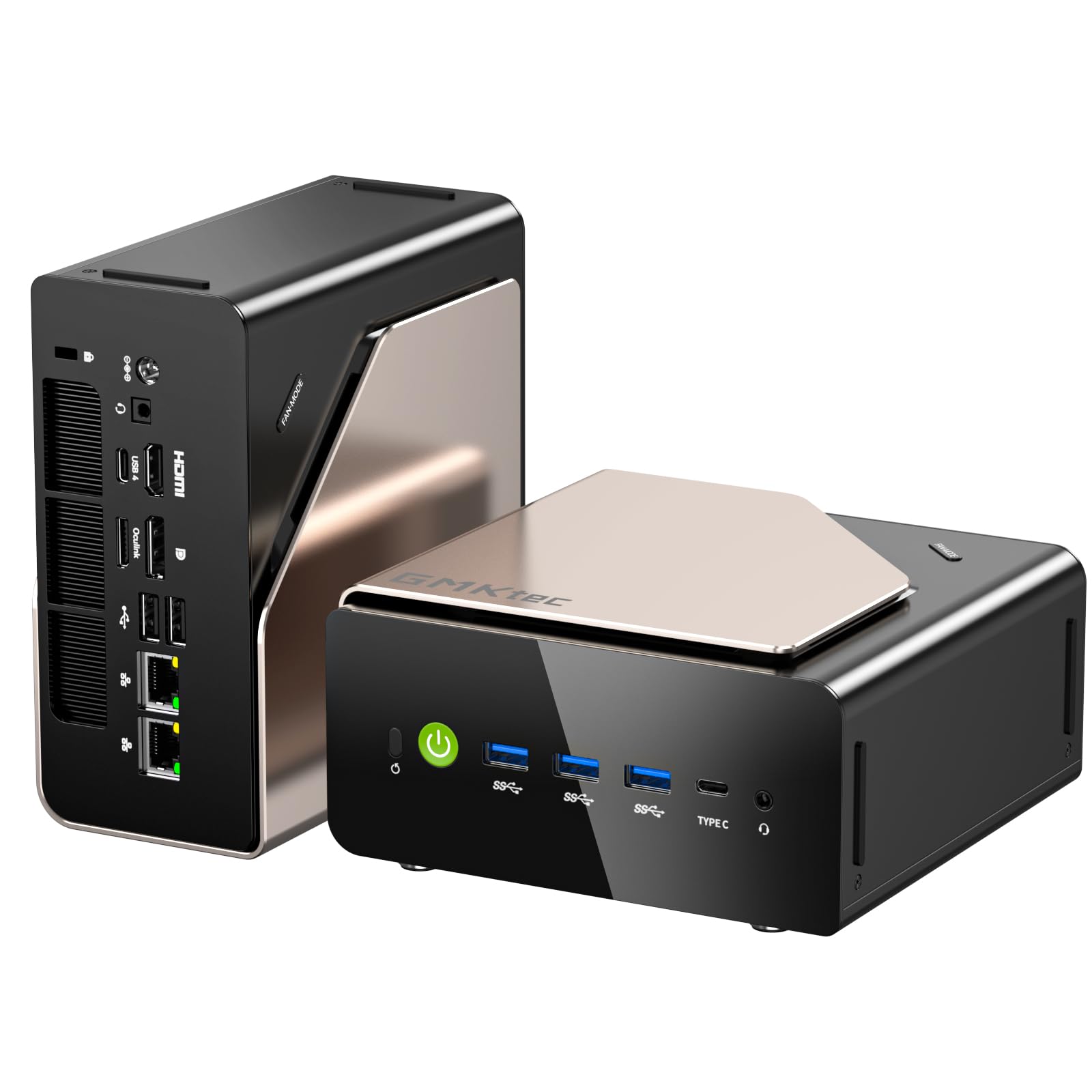
I enjoy compact rigs that don’t force compromises, and the GMKtec EVO-T1 is one of those rare Mini Computers that really delivers. It pairs an Ultra 9 chip (up to 5.4GHz) with 64GB DDR5 (32GB*2) and a 2TB PCIe 4.0 SSD, yet still leaves room for growth with 3X M.2 expansion and Oculink. For my day-to-day work I use multiple monitors and the Quad Screen 8K capability has been great for productivity, and it handles light Gaming and local AI tasks without flinching. If you want a small footprint machine that behaves like a full desktop, this model makes a convincing case.
What People Say
From what I see across reviews, people consistently praise the raw value and performance for the price, noting the big 64GB DDR5 memory and snappy PCIe SSD. Users mention the cooling and quiet operation under load, plus the convenience of multiple expansion slots and robust port selection. On the downside the power brick and occasional USB‑C/Bluetooth quirks appear often enough to be worth factoring into your setup plans.
Overall Sentiment: Positive

| Pros | Cons |
|---|---|
| ✅ Powerful Ultra 9 processor and high single‑core boost (up to 5.4GHz) | ❌ Bulky power brick and cable can be fiddly on a small desk |
| ✅ Generous 64GB DDR5 memory and 2TB PCIe 4.0 SSD out of the box | ❌ Some reports of weak USB‑C/Bluetooth power behavior |
| ✅ 3X M.2 expansion, Oculink and strong port selection for upgrades | ❌ Integrated GPU limits top-tier AAA gaming performance |
| ✅ Quad Screen 8K display support for serious multi‑monitor workflows |
Long-Term Cost Benefits
I view this as a future-friendly buy because the PCIe 4.0 SSD and 3X M.2 expansion let me add capacity later without replacing the whole Computer, and 64GB DDR5 reduces the need for early RAM upgrades. With the current discount bringing the price to $1,069.99 the upfront value is strong compared with similarly spec’d desktops, and keeping the Mini as a serviceable workstation for years makes the total cost of ownership look attractive.
Situational Benefits
| Situation | How It Helps |
|---|---|
| Home Office | I get powerful multitasking with 64GB DDR5 and Quad Screen support, so juggling docs, video calls, and editing is smooth. |
| Content Creation | The PCIe 4.0 SSD plus 3X M.2 lets me store large media projects locally and expand as needed, speeding up exports and previews. |
| Home Lab / Server | I can run multiple VMs or containers thanks to the high core count and memory, and the compact size fits neatly into a lab rack or behind a monitor. |
Ease Of Use
| Feature | Ease Level |
|---|---|
| Initial Setup | Easy |
| Upgrading Storage/RAM | Moderate |
| Multi‑Monitor Configuration | Moderate |
Versatility
I find the EVO-T1 impressively versatile: it works as a compact Gaming-capable desktop, a creator workstation, or a home server. The mix of CPU cores, 64GB memory and PCIe expandability means I can reconfigure it as needs change.
Durability
Build quality feels solid in hand reports and users frequently note cool, reliable operation over long runs, which suggests it’s durable for daily heavy use when properly ventilated.
Practicality
Its small footprint and VESA-mount options keep my desk tidy, and the plentiful ports make it practical as a single hub for peripherals, displays and external storage, though the power brick takes up space.
Travel Friendliness
While the Mini size is travel-friendly, the heavy power brick and lack of a laptop form factor mean I treat this more as a portable desktop rather than something I’d carry routinely.
Key Benefits
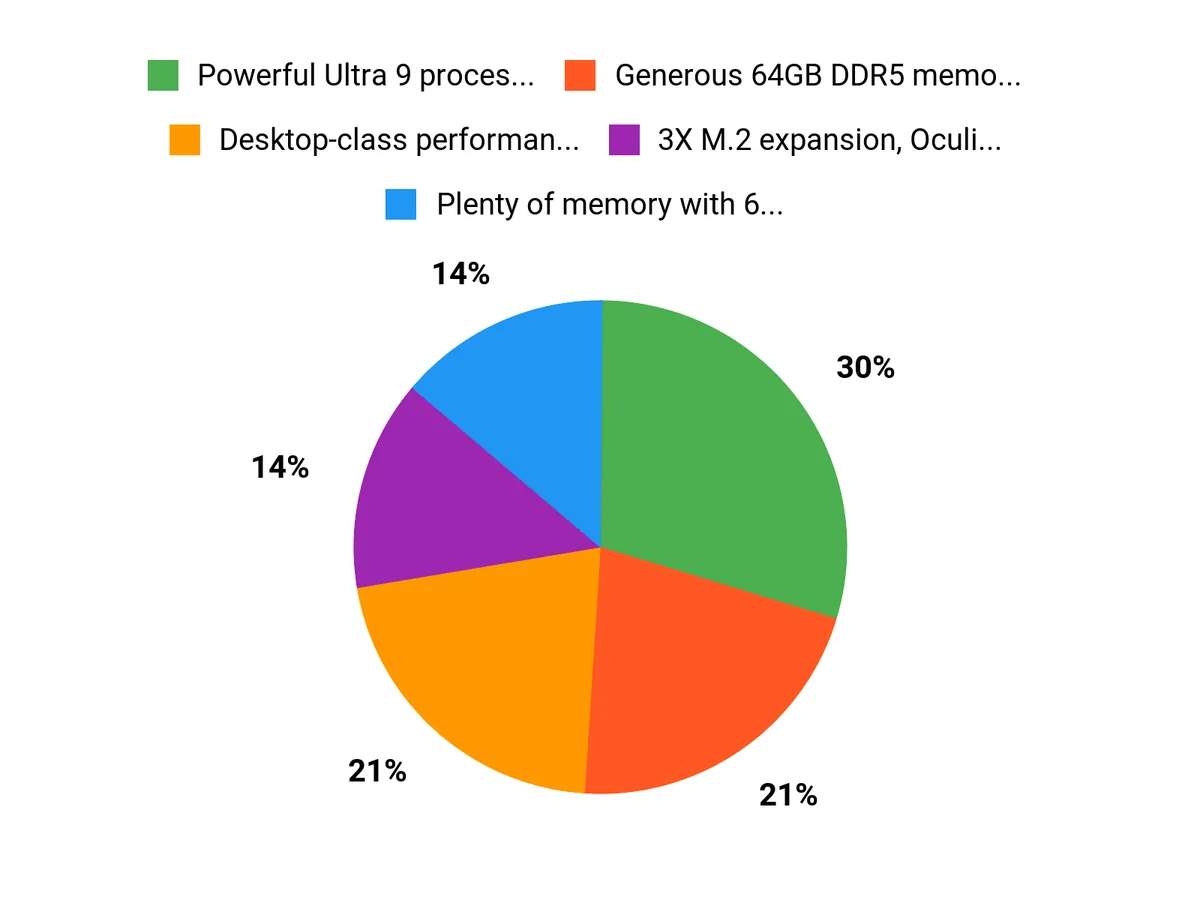
- Desktop-class performance from the Ultra 9 CPU and (up to 5.4GHz) boost
- Plenty of memory with 64GB DDR5 (32GB*2) for heavy multitasking and VMs
- Fast storage and expandability via 2TB PCIe 4.0 SSD plus 3X M.2 slots
- Quad Screen 8K support for multi-monitor creative and productivity setups
Current Price: $1,069.99
Rating: 4.6 (total: 105+)
FAQ
Can The EVO-T1 Handle Gaming And Local AI?
I use the EVO-T1 for a mix of creative work and some light Gaming, and what I found is that the Ultra 9 CPU and 64GB DDR5 give you plenty of headroom for multitasking and medium AI workloads. The integrated Intel graphics are great for multi‑Display setups and video editing, and the PCIe 4.0 SSD helps keep projects snappy, but if you want top‑tier AAA gaming or to run very large local AI models, a discrete GPU will still outperform an integrated solution.
How Easy Is Upgrading Storage And Memory?
Upgrades are one of the EVO-T1’s strengths thanks to the 3X M.2 Expansion Slots and Oculink support, so I could add more PCIe NVMe capacity without swapping the whole PC. The unit ships with 64GB (32GB*2) RAM, and while swapping or increasing modules is straightforward if you’re comfortable opening a Mini chassis, I recommend grounding yourself and checking compatibility before you buy new sticks.
Using the extra Slots for fast PCIe drives is the easiest way I found to extend storage while keeping performance high.
What Practical Setup Tips Or Issues Should I Expect?
I would plan for the physical setup: the power brick is noticeably large so consider where it sits, and if you VESA‑mount the EVO-T1 make sure the power button and ports remain accessible. Some users report USB‑C and Bluetooth quirks, so I tend to plug power‑hungry peripherals into the back ports or use a powered hub.
Before heavy use I update drivers and enable Performance modes as needed, and if you’ll run a Quad Screen 8K Display configuration double‑check cable and monitor settings to get the refresh rates you expect. At the current discounted price of $1,069.99 the expansion options and DDR5 memory make it a practical, long‑term choice for a compact workstation.
Why Customers Choose
I think customers choose the GMKtec EVO-T1 because it packs desktop-class power into a compact Mini PC, with an Ultra 9 285H (up to 5.4GHz), 64GB DDR5, and a 2TB PCIe 4.0 SSD that keep workflows, light Gaming, and local AI tasks snappy. With 3X M.2 Expansion, Oculink and Quad Screen 8K Display support, plus the current discount bringing the price to $1,069.99, it’s easy to see why people appreciate its upgradeability and value.
Wrapping Up
I recommend the GMKtec EVO-T1 if you want a Mini system that punches above its size. With the Ultra 9 285H, 64GB DDR5, a 2TB PCIe 4.0 M.2 SSD, 3x M.2 expansion and Quad Screen 8K support it handles demanding multitasking, content creation and some local AI work very well.
The unit runs cool and quiet in many real‑world reports, and the build quality and port set make it a flexible compact workstation, though some buyers note a bulky power brick and occasional USB‑C/Bluetooth quirks. With a 4.6 rating and the current $300 off price bringing it to $1,069.99, I see this as a strong value for developers, creators, and pros who want expansion without a full desktop.
This Roundup is reader-supported. When you click through links we may earn a referral commission on qualifying purchases.



