
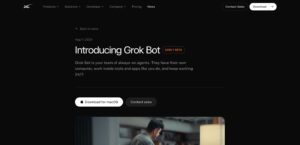
Grok Bot vs OpenClaw in 2026: With My Clear Pick!
OpenClaw is more powerful than Grok Bot for model choice, plugins, local files and residential IP access. Here is where Grok Bot still wins.

Best Mini PC For Music Production In July 2026. Latest Models Included For Fall 2026.
I know choosing a compact PC for music production can feel overwhelming because DAWs and sample libraries demand both low-latency

Best Laptops for STEM Students For Fall 2026. Latest Models Included. Budget Options Also Added.
I know choosing a laptop for STEM work can feel overwhelming, so I focused on the features that matter most

Best Tablets For Students in 2026: Written For Fall 2026
I know how confusing tablet shopping can be when you need something that balances study, note-taking and entertainment. For Fall

Best Laptops For Programming & Coding Students: Written For Fall 2026. Latest Models Added.
As a student who codes, I know how much a laptop shapes your learning and productivity. I wrote this guide
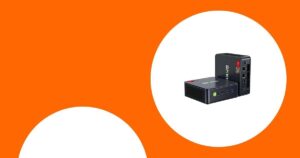
Best Windows Mini PC in July 2026. Latest Models Included. Budget Options Added.
I know choosing a mini PC in mid‑2026 can feel overwhelming because these tiny desktops now span everything from quiet
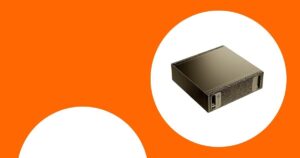
Best Home Server For Local LLM in July 2026 (Like Mistral Large 3, Ollama, Deepseek, GLM 5.2, Qwen3, Llama 4)
I care about running large language models locally because it reduces latency, protects sensitive data, and can dramatically lower

Best Mini PC in The UK For AI, AI Agents, Local LLMs (Run AI For Free), Home Server, Homelab, OpenClaw. Latest Models Included.
I know choosing a mini PC for local AI, running LLMs, a home server or OpenClaw can feel overwhelming, so