OpenClaw is better than Grok Bot for most power users right now. It can route work across multiple AI models, reach local files, use a broader plugin ecosystem, and run through your normal residential internet connection.
That last point matters because many websites challenge or block cloud and VPS IP addresses. Run OpenClaw on a VPS, however, and you lose that local-IP advantage. Grok Bot is easier and stays online without your PC, but it gives you less control.
I reached that conclusion after roughly 20 hours of reading the documentation, tracing how both products execute tasks, checking the current hardware and pricing implications, and trying to break the comparison with awkward real-life scenarios.
My surprise was that this is not really a contest between two similar bots. Grok Bot is a managed appliance. OpenClaw is an agent runtime that you can shape around your own computer, models, browser, and risk tolerance.
So, if you want the cleanest setup and an agent that keeps working when your laptop is closed, Grok Bot is compelling. If you care about capability, portability, cost control, browser identity, or the freedom to improve the system later, I would put OpenClaw on a small local PC.
Update Added on August 24th, 2026: If you’re looking for the best Mini PC for OpenClaw, we recommend ACEMAGIC M5 here. This is the best performance-to-price deal in August, 2026. It can comfortably run OpenClaw (even a much cheaper mini pc can), but more importantly it has the capacity to host multiple local models so that you can run your OpenClaw instance for free (for simple tasks), and use expensive paid models for high-value tasks only. And this maskes a massive difference in API credit costs.
Grok Bot vs OpenClaw: the short version
| Question | Grok Bot | OpenClaw |
|---|---|---|
| Best for | Fast, managed, always-on automation | Power, flexibility, local control |
| Models | Grok only | Multiple cloud and local models |
| Computer | xAI-managed cloud machine | Your PC, mini PC, server, or VPS |
| Browser IP | Cloud data-center IP | Residential IP when run locally |
| Local files | Separate cloud workspace unless local access is enabled | Native access to the machine you control |
| Skills and plugins | Smaller managed ecosystem | Broader open ecosystem and custom tools |
| Setup | Easier | More work and more responsibility |
| Cost control | Subscription and usage allowances | Hosting plus models you choose |
| My verdict | Best convenience | Best overall system |
The key difference is where the computer lives
Grok Bot gives each account a persistent managed cloud computer. That is the product’s most valuable feature. A task can continue while your own machine sleeps, and you do not have to patch a home server or nurse a browser process back to life.
The official xAI launch announcement is refreshingly clear that this is an early beta, while the Grok Bot documentation explains how the managed computer, bots, and local access fit together. I would treat any reliability verdict today as provisional.
OpenClaw lets you decide where the computer lives. You can install it on a desktop, a low-power mini PC, a home server, or a VPS. That sounds like a deployment detail. In practice, it changes what the agent can see, how websites identify it, what happens when the internet drops, and how much of the system you actually own.
Why a residential IP can be a real advantage
A browser running in a public cloud normally presents a data-center IP address. Fraud and abuse systems often score those addresses differently from ordinary home connections. A sudden sign-in from a cloud region can also look inconsistent with your normal location and device history.
When OpenClaw controls a browser on a PC inside your home, the traffic leaves through your usual residential connection. Your normal cookies, location pattern, and browser profile can remain consistent.
This does not make prohibited automation acceptable. For example, the LinkedIn User Agreement restricts scraping and unauthorized automated activity regardless of the IP address. A local machine reduces one technical anomaly. It does not grant permission to ignore a site’s rules.
There is an equally important caveat: install OpenClaw on a cheap VPS and this advantage disappears. You then have another agent operating from a cloud IP. OpenClaw is not automatically safer or harder to detect. The local deployment is the advantage.
Why I would build around OpenClaw
1. One weak model does not become your entire system
Grok Bot is tied to Grok. OpenClaw is not tied to any single model provider. I can send research to one model, coding to another, cheap classification work to a smaller model, and sensitive or repetitive jobs to a local model. I can also keep a fallback provider ready when an API has a bad afternoon.
This matters more than benchmark bragging. Models fail in different ways. The best agent setup is rarely the one with the single highest score. It is the one that can route each job to an appropriate engine and recover when that engine fails. OpenClaw’s official documentation and open configuration make that architecture possible.
2. Your files are already where the work happens
On a local OpenClaw machine, project folders, downloads, scripts, spreadsheets, and backups can live in a storage structure you understand. You decide which directories the agent can touch and which remain off limits. Grok Bot’s managed computer is convenient, but its workspace is separate from your local machine unless you deliberately bridge that gap.
For serious work, locality saves a surprising amount of friction. I do not want to upload a 30 GB project library to a cloud bot just so it can rename files, build an index, or monitor a folder.
3. The ecosystem is a compounding advantage
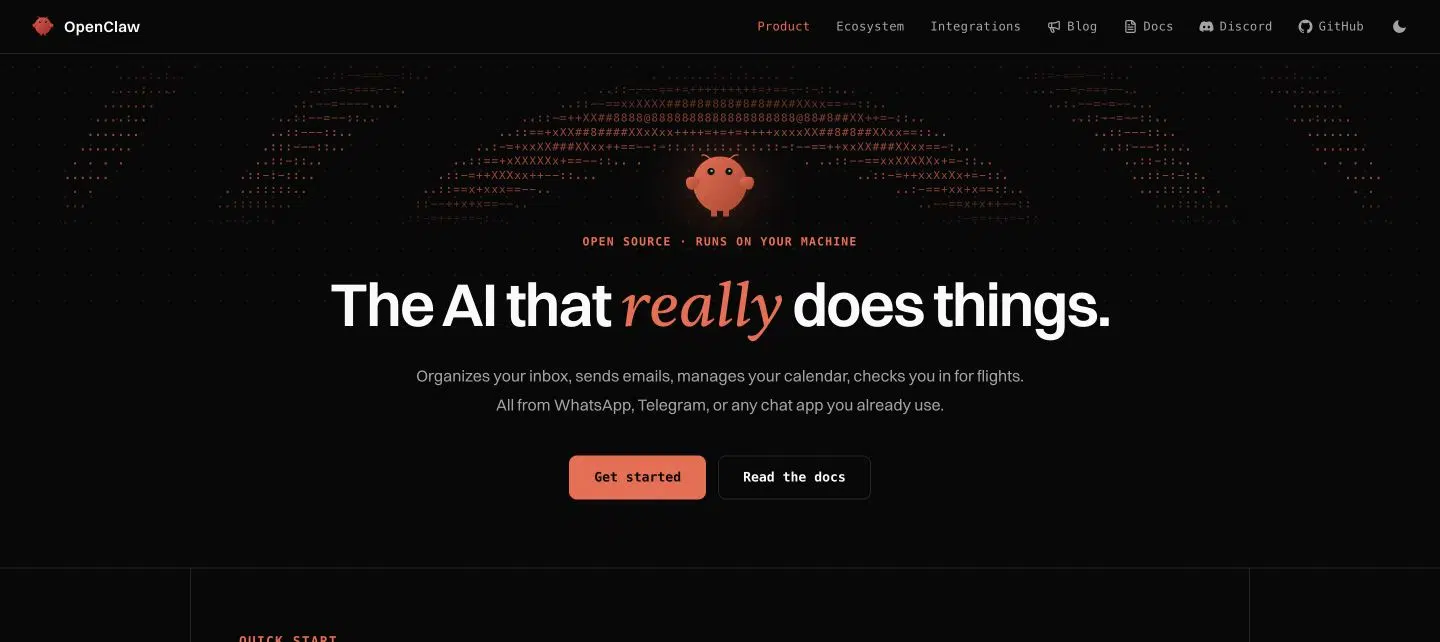
OpenClaw can combine providers, skills, plugins, messaging channels, browsers, and custom tools. The source is public on GitHub, which gives experienced users a way to inspect behavior and extend it. Grok Bot’s managed plugins may become excellent, but the current surface area is smaller and xAI controls the roadmap.
Open ecosystems also bring risk. A plugin can be badly written or malicious. I would never give an unreviewed skill unrestricted access to passwords, SSH keys, or personal documents. Our guide to using OpenClaw safely covers the isolation and permission habits I would apply before real work.
The overlooked hardware question: what PC does OpenClaw need?
The agent runtime itself does not require a monster workstation. For browser automation, cloud models, messaging, and ordinary tools, a modern four-core mini PC with 16 GB of RAM and a 512 GB SSD is a sensible floor. I prefer 32 GB if the machine will keep many browser tabs open, run containers, or host several concurrent workflows.
A discrete GPU is optional unless you plan to run sizeable local language models. That distinction saves people money. An N100 or Ryzen mini PC can be an excellent always-on OpenClaw controller while the difficult reasoning still happens through cloud APIs. If local inference is the goal, RAM capacity, memory bandwidth, cooling, and GPU VRAM become the purchasing questions. See our separate breakdown of whether OpenClaw needs a GPU and our tested framework for choosing the best mini PC for OpenClaw.
The boring hardware details matter most
For an agent box, I value stable wired Ethernet, quiet cooling, an NVMe SSD, BIOS power-on after an outage, and a small UPS more than gaming performance. Schedule automatic backups. Put the machine on a separate user account. If it controls important workflows, do not also use it as the family PC.
Our local LLM home server guide explains how the hardware equation changes once models run locally rather than through an API.
Where Grok Bot is genuinely better
Grok Bot wins on setup and availability. There is no home server to maintain, no local uptime problem, and no need to understand model routing before the first useful task. The managed Linux computer persists, scheduled work continues when your laptop is closed, and the product presents named bots rather than a box of infrastructure pieces.
That makes Grok Bot the better fit for someone who wants an employee-like interface and does not want a new technical hobby. Its managed browser can also be useful for low-risk research, drafting, data entry on systems that permit it, and workflows where a cloud IP is irrelevant.
I would choose Grok Bot for convenience. I would not choose it because I believed a cloud computer was inherently more capable. It is not. It is simply managed for me.
Cost: subscription simplicity versus system control
Grok Bot has the cleaner mental model. Pay for the appropriate plan and work inside its usage rules. The difficulty is that multi-agent jobs can consume large numbers of tokens, and there is no model picker to move routine steps to a cheaper engine.
OpenClaw software is free, but the full system is not. You pay for hardware or hosting, electricity, model APIs, backups, and your own time. The upside is control. A small local box may draw only a modest amount of power at idle, while model routing can reserve expensive reasoning for the steps that deserve it. People who already own a suitable PC can start without buying hardware.
My decision after 40 hours
I would run OpenClaw locally. The decisive reasons are model freedom, deeper tools, local files, the larger extension surface, controllable costs, and the option to use my normal residential connection. Those advantages make the system more useful today and easier to improve tomorrow.
I would recommend Grok Bot to a nontechnical user who values an always-on managed service above customization. I would also revisit it as the beta matures. xAI can close ecosystem and control gaps quickly. For now, though, Grok Bot gets you to a working automation faster. OpenClaw gives you the higher ceiling.
Frequently asked questions
1. Is OpenClaw better than Grok Bot?
Yes for most power users. OpenClaw offers more model choice, local access, plugins, deployment options, and cost control. Grok Bot remains easier to start.
2. What is Grok Bot?
Grok Bot is xAI’s early-beta agent product. It runs named bots on a persistent managed cloud computer with a browser, terminal, and workspace.
3. Is Grok Bot the same as the Grok chatbot?
No. Grok is the conversational product and model family. Grok Bot is an agent product designed to perform multi-step work on a computer.
4. What is OpenClaw?
OpenClaw is an open-source agent runtime. It connects chosen AI models to files, browsers, tools, skills, plugins, and communication channels.
5. Can OpenClaw use Grok?
Yes, if you configure a compatible Grok API provider. Our OpenClaw with Grok setup guide covers the process.
6. Does OpenClaw need a dedicated PC?
No. It can run on an existing computer. A dedicated mini PC is useful when you want isolation, predictable uptime, and fewer interruptions.
7. Does OpenClaw need a GPU?
Not for normal agent work using cloud models. A GPU becomes useful when you want to run larger language models locally.
8. How much RAM does OpenClaw need?
Sixteen gigabytes is a practical starting point for cloud-model workflows. Thirty-two gigabytes gives more breathing room for browsers, containers, and simultaneous agents.
9. Can OpenClaw run on a mini PC?
Yes. A modern mini PC is one of the most practical always-on OpenClaw hosts because it is compact, quiet, and relatively efficient.
10. Can OpenClaw run on a VPS?
Yes, but browser traffic will then use a data-center IP. That removes the residential-IP advantage of running OpenClaw at home.
11. Why do websites dislike cloud IP addresses?
Cloud ranges are frequently associated with bots, scraping, fraud, and bulk automation. Risk systems may challenge or rate-limit them more aggressively.
12. Does a residential IP make automation safe?
No. It can make a session look more consistent, but it does not bypass a website’s terms, rate limits, verification steps, or anti-automation rules.
13. Is Grok Bot always on?
Its managed cloud computer can continue background work while your laptop is closed, subject to plan, product, and task constraints.
14. Is OpenClaw always on?
It can be. The machine hosting it must remain powered, connected, and healthy. A mini PC or server is better suited than a frequently sleeping laptop.
15. Which one is easier to install?
Grok Bot is easier because xAI manages the computer. OpenClaw installation has improved, but ownership still includes configuration, permissions, updates, and backups.
16. Which one supports more AI models?
OpenClaw. Grok Bot is centered on Grok, while OpenClaw can route work among multiple commercial and local model providers.
17. Which one is cheaper?
It depends on workload. Grok Bot offers subscription convenience. OpenClaw can be cheaper with existing hardware and careful model routing, but it adds maintenance time.
18. Which one is more private?
OpenClaw offers more privacy control when self-hosted, especially with local models. Actual privacy still depends on configuration, plugins, logs, and any cloud APIs used.
19. Can either tool safely automate LinkedIn?
Neither makes prohibited automation safe. Use AI for research and drafting, keep a human approval step, and follow LinkedIn’s current agreement.
20. Who should choose Grok Bot?
Choose Grok Bot if you want the fastest managed setup, need background work without maintaining hardware, and can accept its cloud and model constraints.
Testing and research note: This comparison was prepared on August 23, 2026. Grok Bot launched on August 11, 2026 and remains an early beta, so features, pricing, and reliability may change quickly. I prioritized official product documentation, direct architecture details, and practical PC requirements over launch-week hype.