
What Are the Best Fully Free Photo Editing Apps for iPhone?
The best fully free photo editing apps for iPhone in 2026 are Snapseed, Adobe Lightroom Mobile (free tier), Darkroom (free tier),
The best fully free photo editing apps for iPhone in 2026 are Snapseed, Adobe Lightroom Mobile (free tier), Darkroom (free tier),
You can use Claude Code, Anthropic’s AI coding agent, to build and publish a mobile app on both the iOS
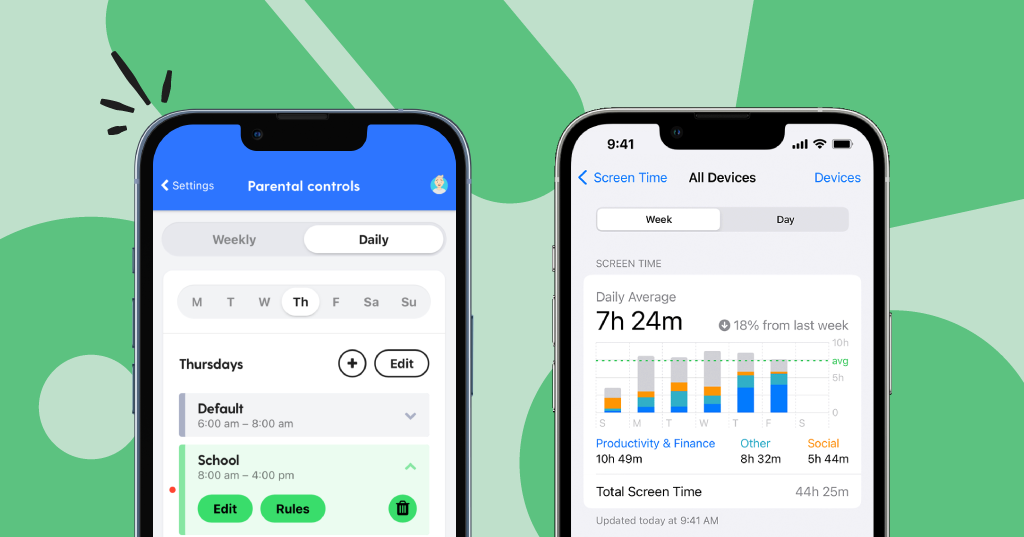
The best parental control app for iPhone in 2026 is Qustodio, thanks to its deep feature set, clean dashboard, real-time
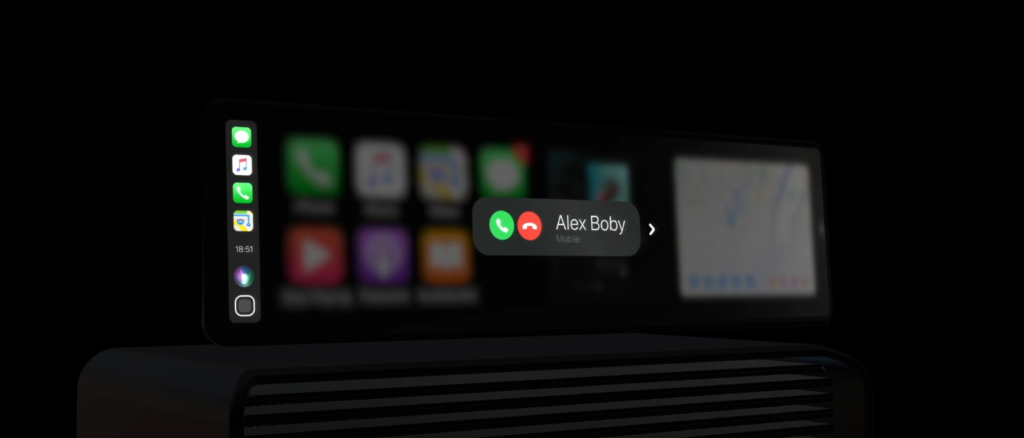
The best apps for CarPlay in mid 2026 span navigation, music, AI assistants, communication, and EV utilities, but if you
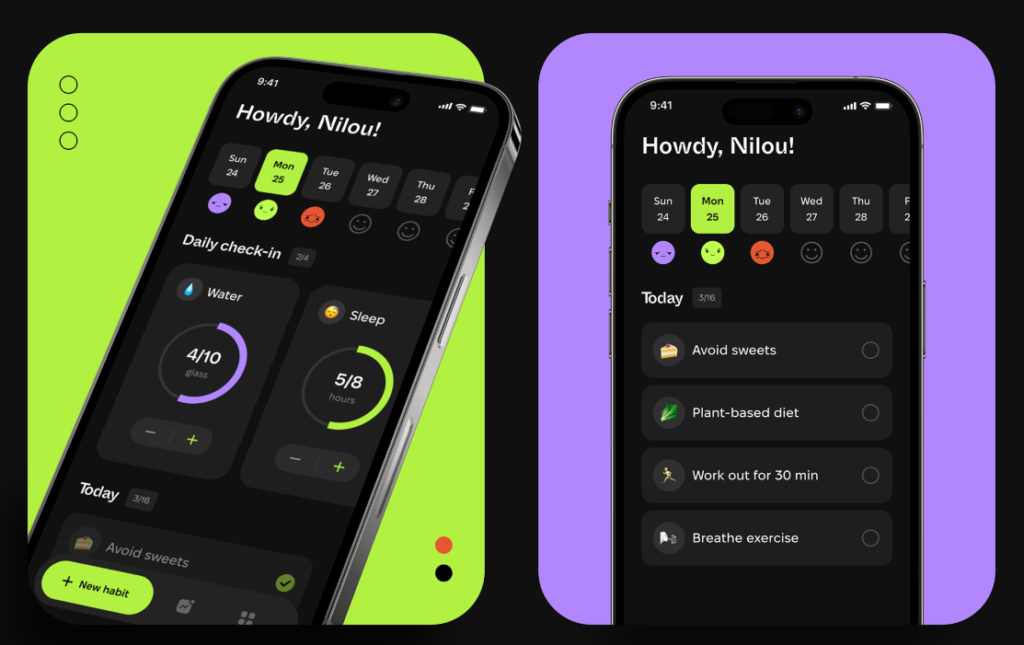
The best migraine tracker app in 2026 is Claru for AI-powered prediction, and Migraine Buddy for the most well-rounded, community-backed experience. But the
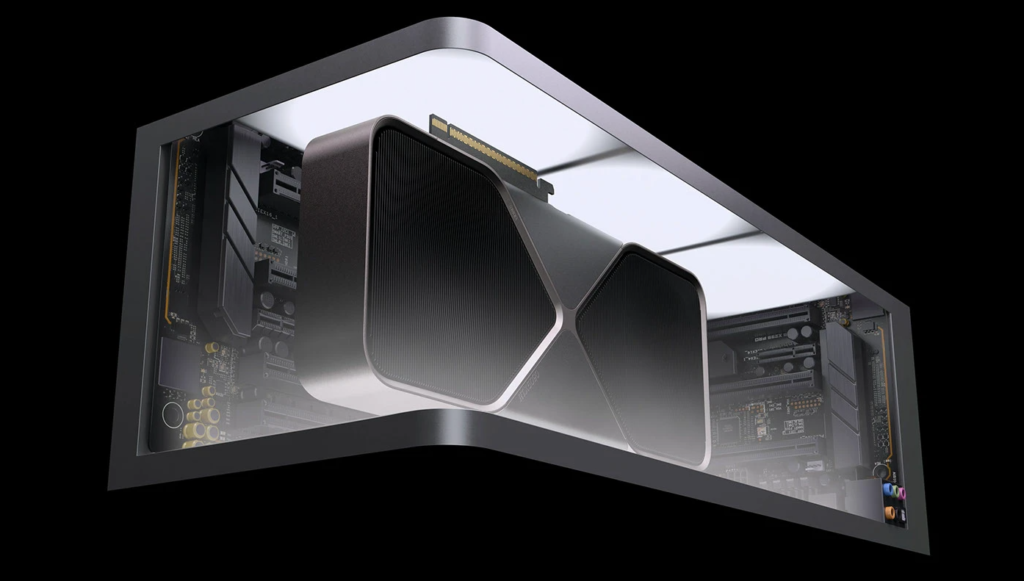
Updating your GPU drivers is one of the most impactful things you can do for your PC’s performance, stability, and
OpenClaw can control your browser using three distinct modes: Extension Relay, OpenClaw Managed, and Remote CDP, all powered by the
The “OpenClaw port 18789 is already in use” error means another process has claimed the port that OpenClaw’s gateway service needs
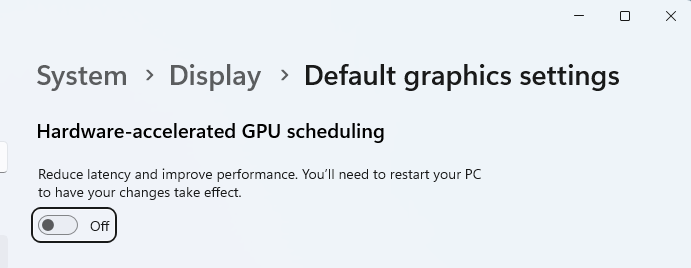
Hardware Accelerated GPU Scheduling (HAGS) is a Windows feature that allows your GPU to take direct control of its own
OpenClaw is a powerful but inherently high-risk tool by design. Because it gives an AI model direct access to your

Ubuntu does not strictly require a dedicated GPU. Ubuntu Server runs perfectly without one. Ubuntu Desktop requires some form of
OpenClaw and Kimi Claw are not competing products in the traditional sense — they share the same underlying OpenClaw framework.