
How to Switch Between a Desktop and Laptop Using the Same Monitor: The Complete Guide (2026)
There are four main ways to switch between a desktop and a laptop on the same monitor or monitors: manually
There are four main ways to switch between a desktop and a laptop on the same monitor or monitors: manually
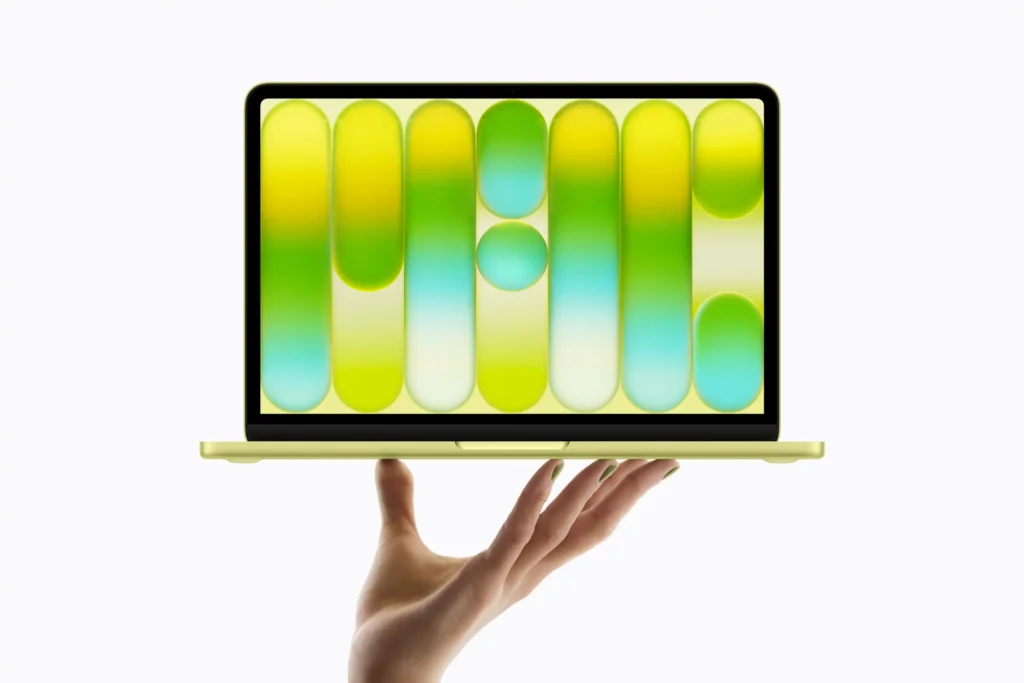
The MacBook Neo (currently on offer on Amazon) can run OpenClaw, and it does so quite well under the right
On an HP laptop, you can take a screenshot by pressing the PrtSc key to copy the full screen to
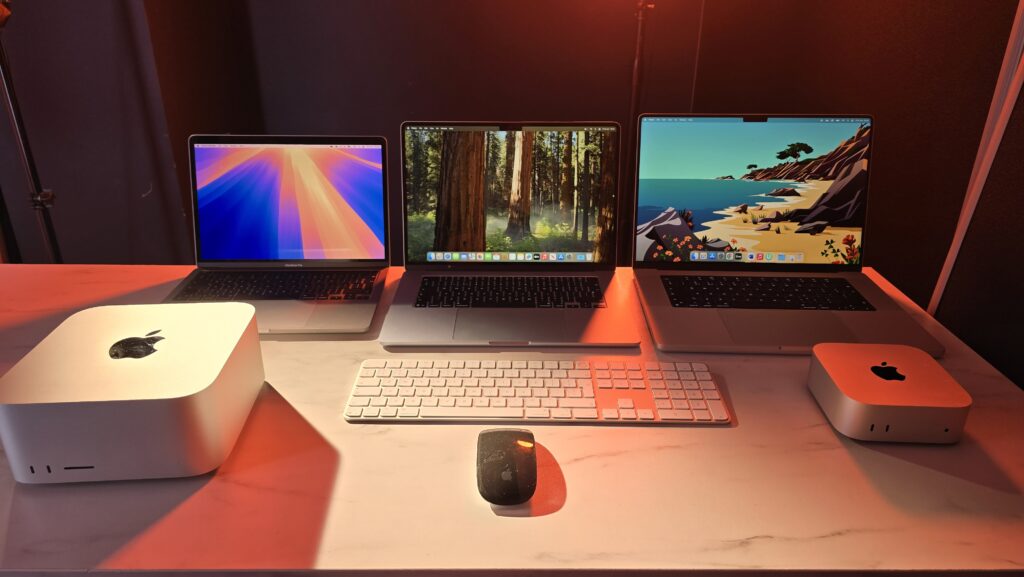
For most OpenClaw users in 2026, the Mac Mini M4 with 16GB to 24GB of RAM is the best overall
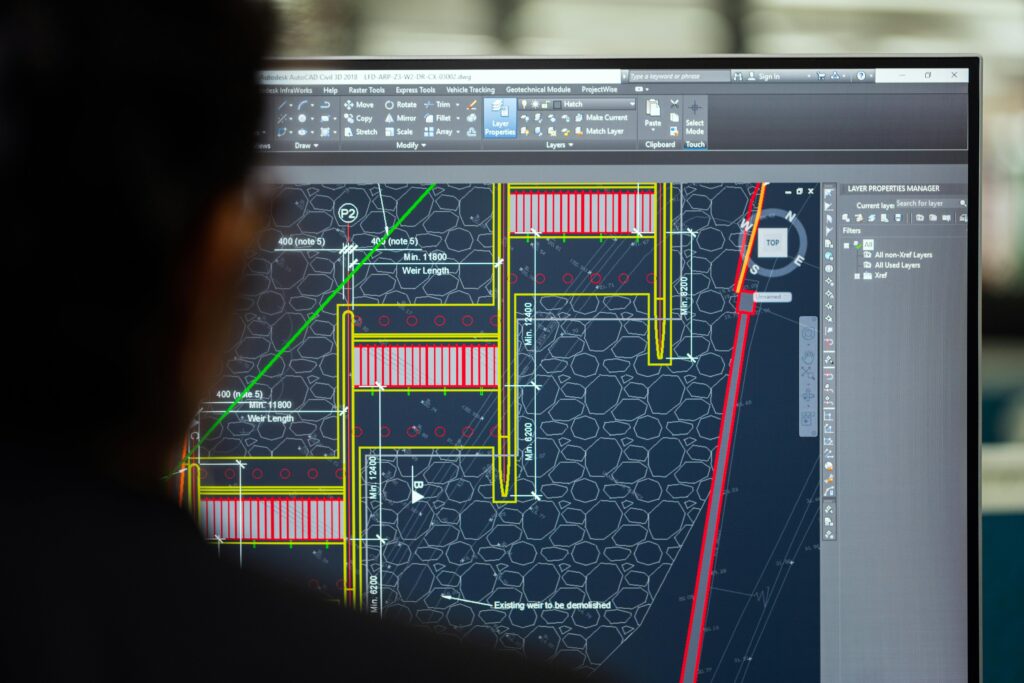
CAD software is primarily CPU intensive, but the GPU plays an increasingly important and evolving role depending on your workflow.
You can unlock a TTLock smart lock from a laptop by logging into the TTLock web platform at lock.ttlock.com using
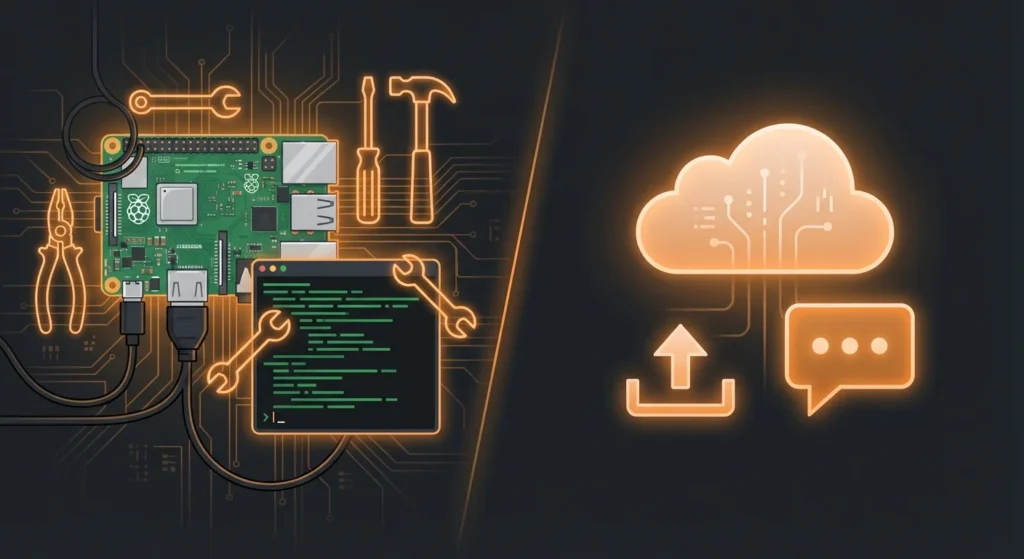
Yes, OpenClaw runs on all four platforms, but with different levels of official support and practical performance. Linux is the
The best OpenClaw skills in 2026 cover five core areas: productivity (Notion, Linear, calendar management), communication (AgentMail, Telegram automation), browser
Confused about what specs do you need for OpenClaw, or how much RAM does OpenClaw need? Don’t worry, I have
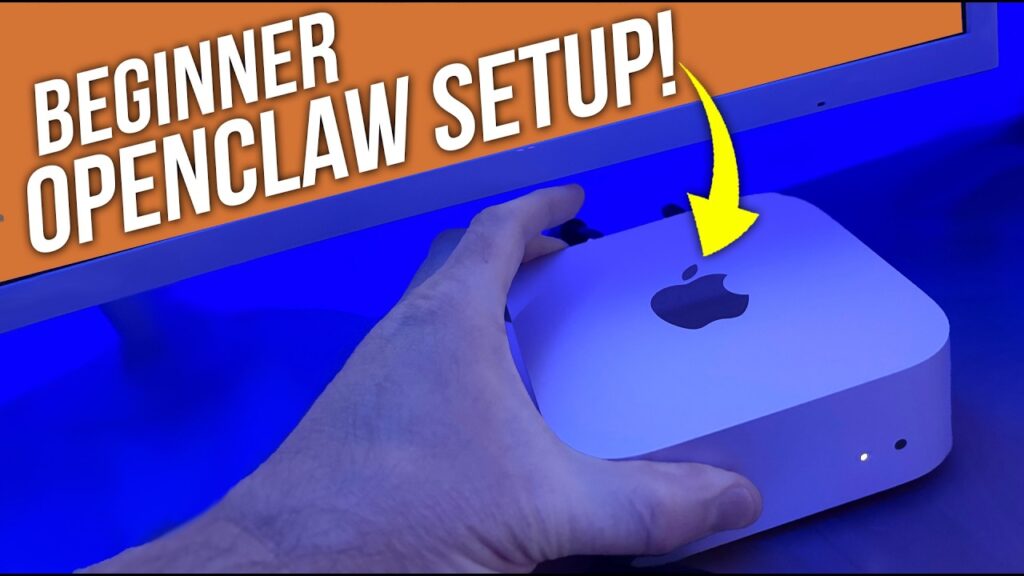
Mac Mini is the perfect PC For OpenClaw. Setting up OpenClaw on a Mac Mini takes about 10 to 20
For running OpenClaw, which is the popular open‑source AI agent formerly known as Clawdbot and Moltbot, a Mac Mini M4
Yes, a mini PC can run Android apps — but not natively out of the box, and the method you