
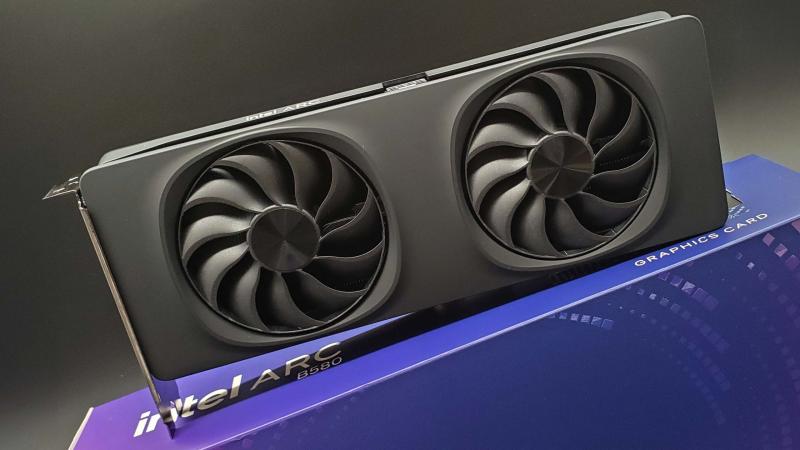
How Do I Make Sure My GPU Fan Is Working?
The quickest way to check if your GPU fan is working is to monitor it using a free tool like
The quickest way to check if your GPU fan is working is to monitor it using a free tool like
The quickest way to see what GPU you have is to open Task Manager on Windows (Ctrl + Shift +
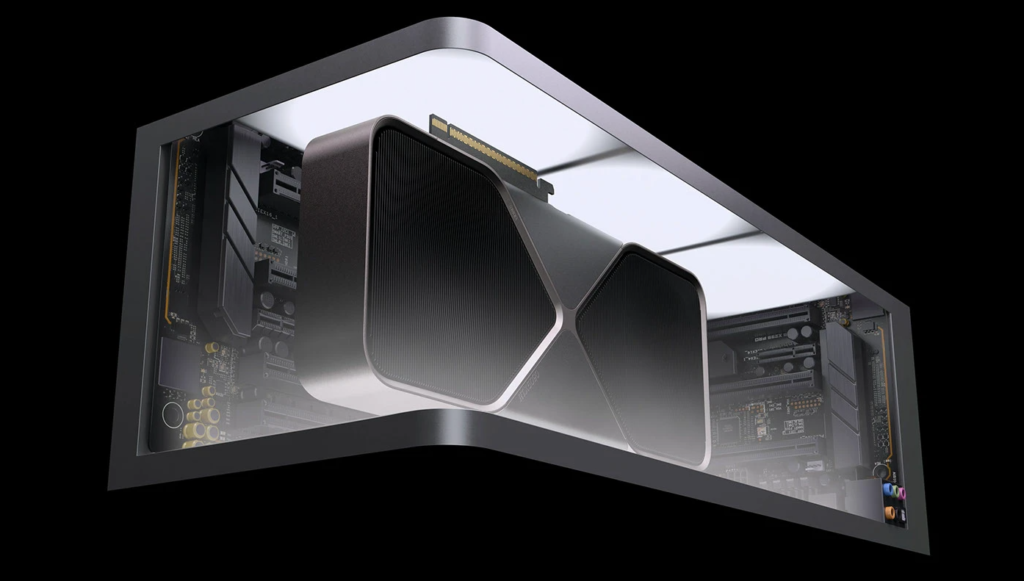
Updating your GPU drivers is one of the most impactful things you can do for your PC’s performance, stability, and

No, you do not technically need a dedicated GPU to run Valorant. Riot Games officially supports integrated graphics at minimum
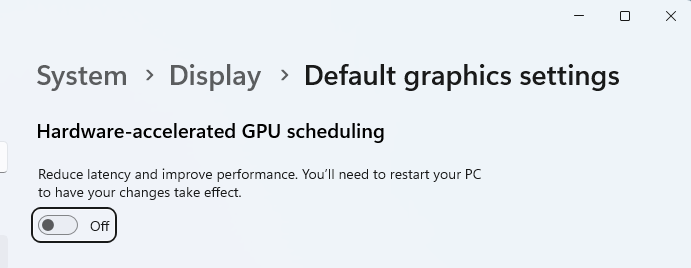
Hardware Accelerated GPU Scheduling (HAGS) is a Windows feature that allows your GPU to take direct control of its own
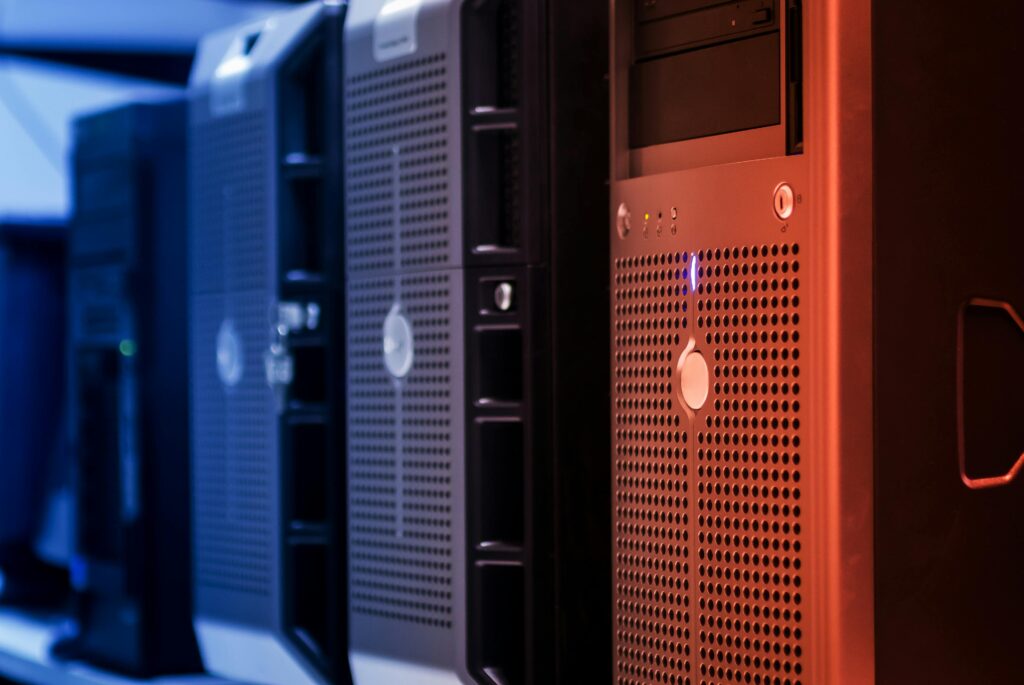
A GPU server is a computer server that contains one or more Graphics Processing Units (GPUs) alongside the standard CPU,

Ubuntu does not strictly require a dedicated GPU. Ubuntu Server runs perfectly without one. Ubuntu Desktop requires some form of

No, OpenClaw does not require a GPU. The framework itself is a lightweight Node.js application that runs on virtually any
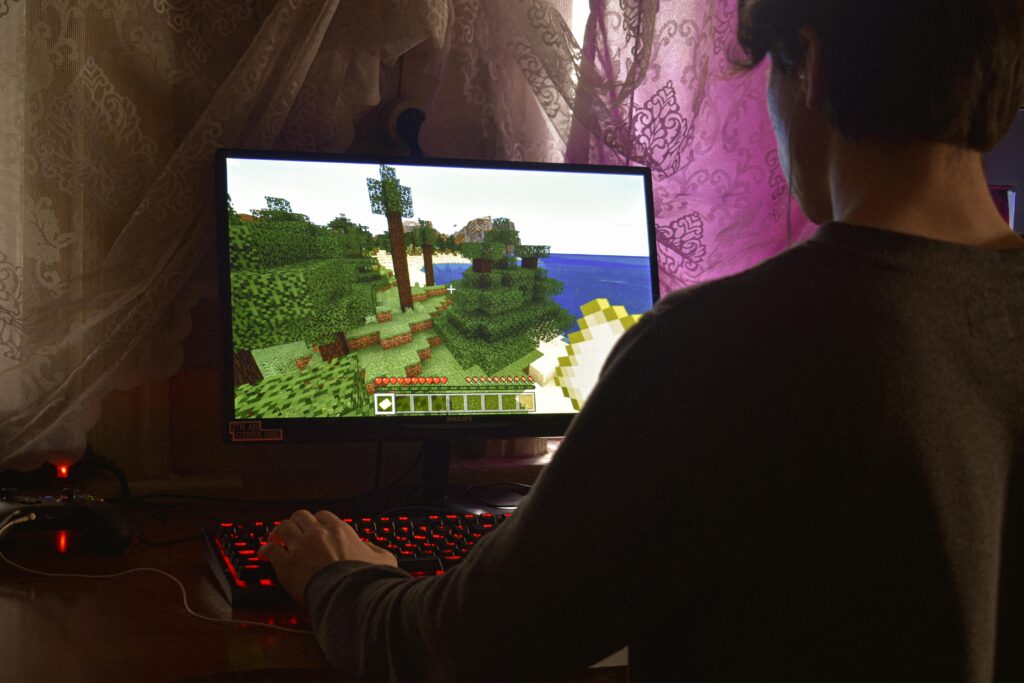
No. A Minecraft server does not need a GPU. The Minecraft server software is entirely CPU and RAM driven. It
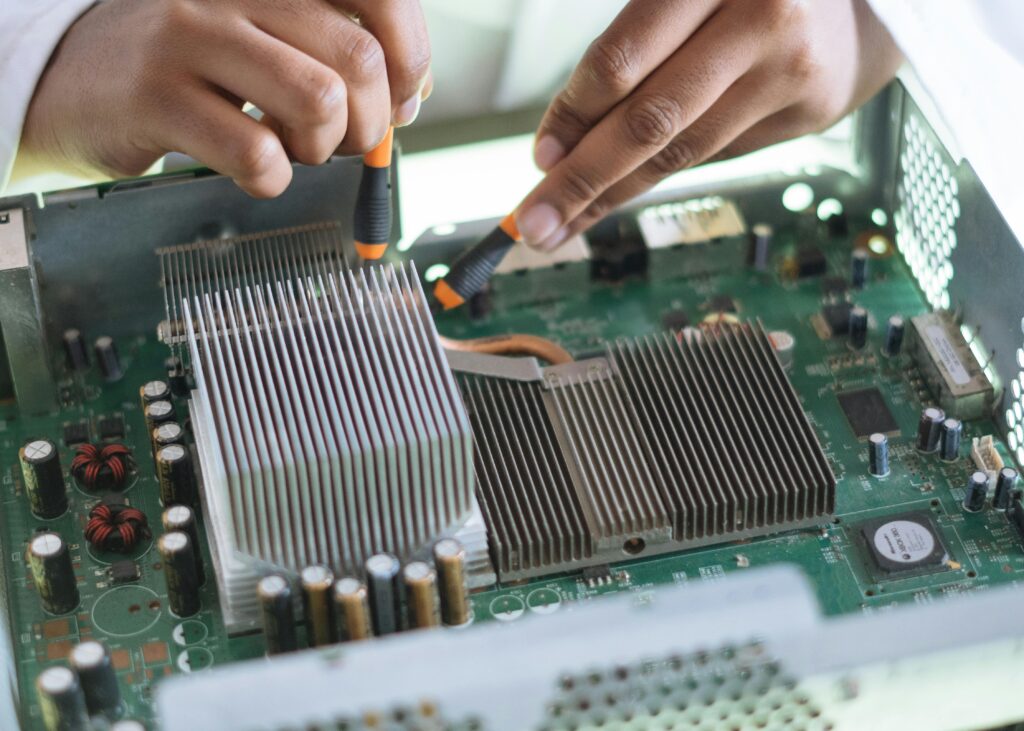
Switching GPUs between NVIDIA and AMD is straightforward but requires one critical step that most guides skip or rush: you
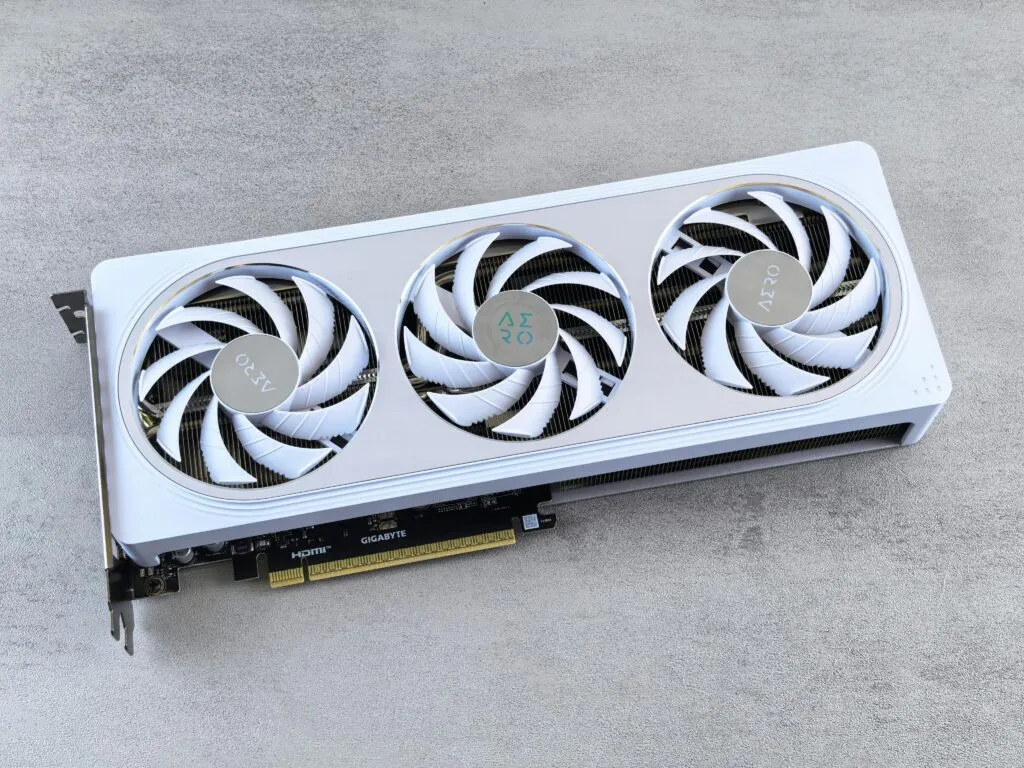
If you’re looking for a GPU with 24 GB of VRAM, your best options today range from high‑end gaming
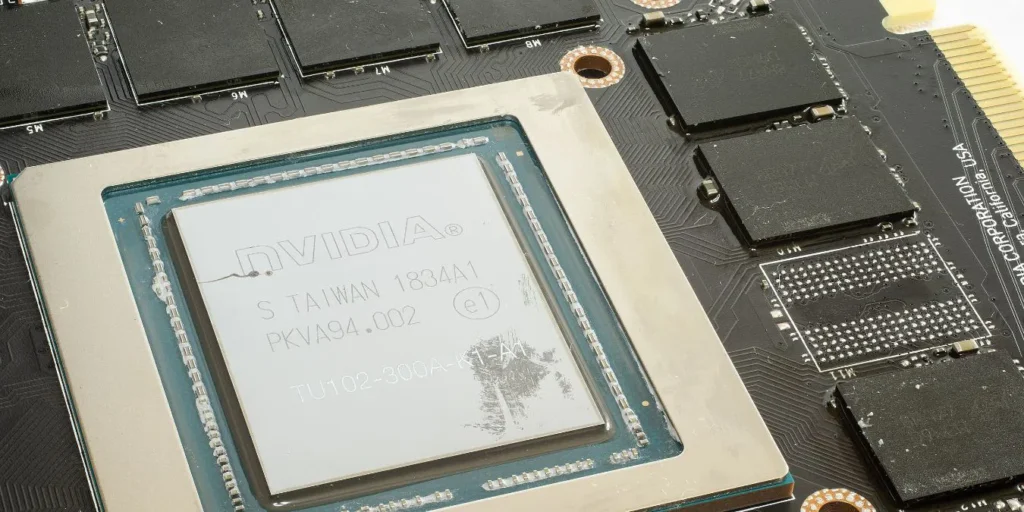
No, VRAM and GPU are not the same thing, but they are closely connected. The GPU (Graphics Processing Unit) is