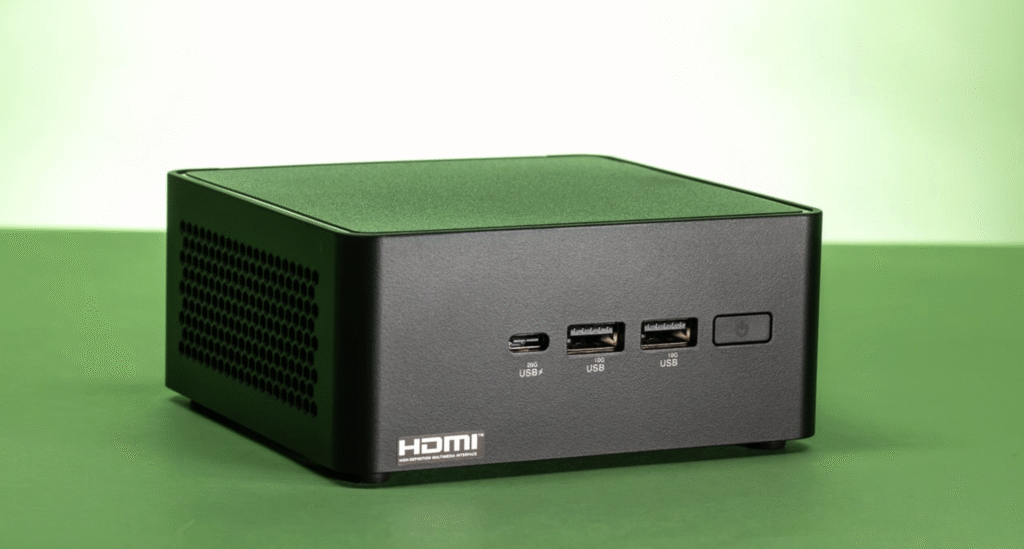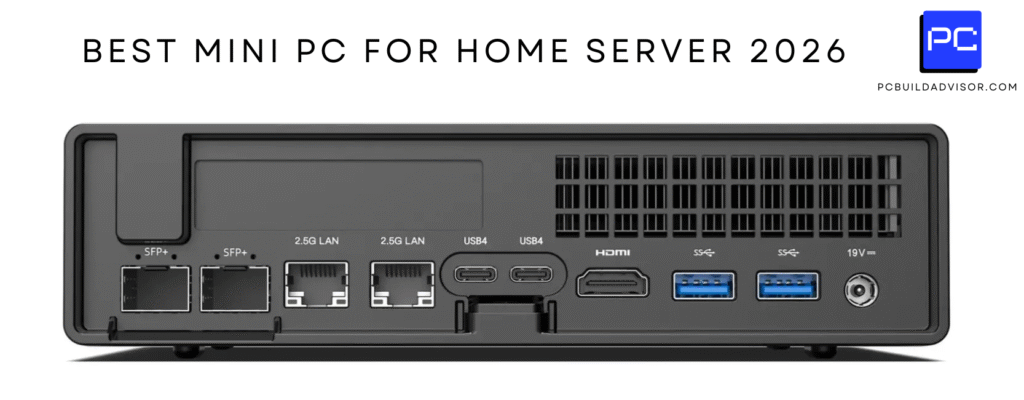
I know choosing a mini PC for local AI, running LLMs, a home server or OpenClaw can feel overwhelming, so I put together a compact guide that focuses on real-world use: how many models each machine can reasonably host concurrently, which machines are best for which workflows, and where you actually save money by moving inference off paid APIs. This article was written on July 14th, 2026, so it includes the latest Mini PC Models. It’s been written for readers based in the UK. So if you’re not based in the United Kingdom, some of these models might not be available in your country.
Local models like GLM 5.2 have closed much of the quality gap, which makes this topic important: running models locally gives me lower latency, better privacy and predictable costs compared to OpenAI or Claude, and it can transform a hobby homelab into a reliable private AI service.
Top Picks
| Category | Product | Score |
|---|---|---|
| 🏆 Best Budget ARM | Lenovo IdeaCentre | 80/100 |
| 💰 Best Value Ryzen | GMKtec EVO-X1 | 88/100 |
| 🎯 Best For Creators & Mass Content Production | GMKtec EVO-T1 | 91/100 |
| ⭐ Best Ports & Networking | GEEKOM IT13 | 84/100 |
| 🚀 *Best Power/Price Balance: This is What I Am Buying! (Best For Value For Money) | GEEKOM A9 | 98/100 |
| 🔰 Best Compact Ryzen AI | MINISFORUM X1 | 92/100 |
| 🎒 Best AI Workstation (Most Powerful Machine) | MINISFORUM MS-S1 | 97/100 |
| 🔋 Best Energy Efficient & My Second Choice! | ACEMAGIC M5 | 94/100 |
| 🎨 Best Entry Creators | ACEMAGICIAN S3A | 85/100 |
| 🔧 Best With OpenClaw | Beelink SER10 | 89/100 |
How I Picked These Mini PCs
I looked at the combination of compute (NPU, CPU and GPU), memory size and bandwidth, storage speed and expansion, thermals and noise, connectivity and OS compatibility with local LLM toolchains like Ollama, KoboldCpp and OpenClaw. I weighted memory and high‑bandwidth RAM heavily because that directly controls how large a model you can load and how many instances you can run at once.
Price and value for UK buyers were another filter, and I paid attention to whether a machine ships ready for Linux or Windows ARM/x64 workflows since that affects how easily you can run free models locally.
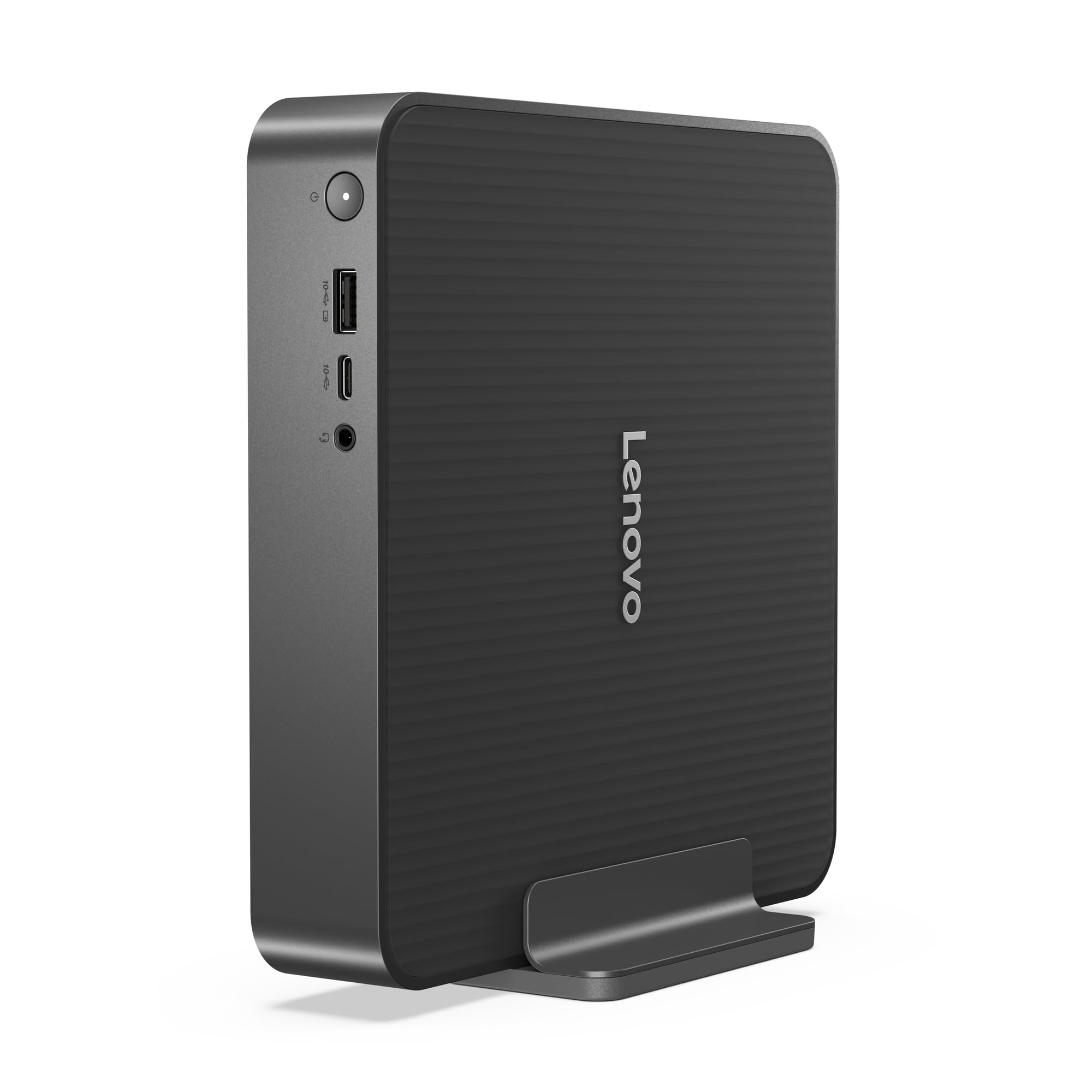
I like this Lenovo because it squeezes useful AI hardware into a tiny 1‑litre chassis so it disappears on my desk. It’s great for low‑latency assistants, dabbling with local LLMs and a neat choice for a light homelab or home server where space and silence matter. Windows 11 Home and Copilot+ make day‑to‑day setup familiar, and the combination of a strong NPU and high‑speed LPDDR5x RAM gives me solid single‑user performance for running a few models, handling background services and even light media editing.
It won’t replace a GPU workstation for large model training, but for running compact models, hosting bots and experimenting with OpenClaw it’s a very practical, fuss‑free option.
Long Term Cost Benefits
Running models locally on a device like this reduces my reliance on per‑call API billing. For ongoing development, personal assistants or always‑on services I run at home, I avoid unpredictable monthly bills and keep inference costs stable over time. The ability to host models locally also means I control when heavy work runs, so I can schedule intensive tasks for cheaper off‑peak electricity or when I’m less likely to need low latency.
Return On Investment
If I use the mini PC as a daily assistant host, development node or small inference server the investment pays back via predictable costs, saved API fees and time saved waiting on remote calls. The faster I iterate and the more continuous the workloads I shift off APIs, the quicker I see ROI, especially for projects that need privacy or constant availability.
Situational Benefits
| Situation | How It Helps |
|---|---|
| Running Local LLMs | I can run several compact 7B class models concurrently for chatbots and small agents; the NPU accelerates common operations so response feels instant for single users. |
| Home Server / Homelab | It acts as a tidy always‑on node that hosts containers, small VMs or OpenClaw services without taking much power or space, so I keep a reliable private service running 24/7. |
| Edge Assistance & Low‑Latency Tasks | For voice assistants or desktop Copilot tasks the on‑device NPU reduces round trips to cloud APIs, giving me immediate replies and avoiding data sent to external services. |
| Light Media Editing & Daily Use | I use it for editing small clips and general desktop work; it’s quick to boot, responsive under load and quiet enough to sit in a shared workspace. |
Versatility
I find the IdeaCentre versatile because it handles a mix of roles: an on‑desk PC for daily work, a development machine for testing LLMs and a compact homelab node. The M.2 expansion options let me add storage or a fast scratch drive when needs change.
Innovation
The standout is the focus on an NPU inside a consumer mini PC. That makes AI features usable without a discrete GPU and keeps the form factor tiny while still offering real inferencing improvements over a standard integrated CPU.
Energy Efficiency
This machine is noticeably efficient for light to moderate AI tasks. It uses far less power than a full desktop with a high‑end GPU, so for always‑on services I’m comfortable leaving it running overnight.
Speed & Response Time
For single‑user interactive tasks the response is snappy thanks to the 45 TOPS NPU and fast RAM. Local inference latency is much lower than cloud API round trips, which I notice during question answering and assistant-style workflows.
Performance
In practical terms I can run multiple small 7B models simultaneously, typically around 2–6 depending on quantisation and whether other services are running. For quantised 13B models I can usually host one or at most two concurrent instances with acceptable responsiveness.
Larger 30B+ models are out of reach for smooth local inference on this configuration without offloading to a GPU or using remote batching.
Key Benefits
- Compact 1L design that fits on a shelf or behind a monitor
- 45 TOPS NPU plus 32GB LPDDR5x for responsive on‑device inference
- Fast PCIe 4.0 SSD and three M.2 slots for storage and expansion
- Quiet dual‑fan cooling so it’s usable in a living room or office
- Modern connectivity including Wi‑Fi 7 and USB4 for fast transfers
I like the EVO‑X1 because it packs a surprising amount of AI punch into a small, everyday box. It’s aimed at anyone who wants more local inferencing power than a typical office mini PC without carrying a full desktop. In practice I use it for running a handful of local models, hosting OpenClaw instances for experimentation and driving multiple displays for monitoring homelab services or content creation.
The passive cooling keeps things tidy, and the modern ports make it simple to connect storage or an external accelerator later on. It isn’t a GPU workstation for heavy training, but for inference, multitasking and a compact homelab node it’s a very practical choice.
Long Term Cost Benefits
Shifting steady inference and development to a local mini PC like this cuts ongoing API spend because I only use cloud services for occasional heavy requests. Over time I save on per‑call charges and keep model experimentation cost predictable, which matters when I run multiple assistants or continuous background agents.
Return On Investment
If I rely on the EVO‑X1 as a persistent inference node, or to replace development calls to paid APIs, the device pays back through reduced monthly service fees and faster iteration cycles. The greater the volume of local queries and always‑on services I move off hosted APIs, the faster I see value.
Situational Benefits
| Situation | How It Helps |
|---|---|
| Local Model Hosting | I can run several small models concurrently for bots and microservices, using the NPU to accelerate common inference paths and keeping latency low for interactive workloads. |
| Homelab Node | It slots into a homelab as a compact server for containers or VMs, offering enough memory and storage to run multiple services without needing a full rack server. |
| Multi‑Display Monitoring | With triple 8K outputs I set up dashboards, logs and UIs across screens so I can supervise models, pipelines and media workflows at a glance. |
| Development & Testing | I use it as a dev box to test local LLM integrations and OpenClaw deployments before pushing to larger infrastructure, which speeds up debugging and iteration. |
Versatility
The EVO‑X1 works as a desktop, a compact inference node and a homelab element all at once. Its combination of ports and storage expansion makes it easy to repurpose as needs change, whether that’s more models, extra drives or an external accelerator later on.
Innovation
What stands out is using a Ryzen AI series chip with a built‑in NPU in a tiny chassis. That design gives real on‑device acceleration for common model tasks without forcing you to add a discrete GPU right away.
Energy Efficiency
Compared with a desktop with a high‑end GPU, this mini PC runs cool and draws modest power under typical inference loads. For me that makes it an economical always‑on option for personal assistants and light server duties.
Speed & Response Time
Interactive queries feel fast because on‑device inference avoids cloud round trips. For single‑user setups the responsiveness rivals small GPU boxes, especially when models are quantised and tuned for edge use.
Performance
For compact 7B models I typically see room to run around 6–10 concurrent instances depending on quantisation and background services. For heavier 13B models expect about 2–4 concurrent instances with acceptable latency.
Running 30B‑class models locally is not practical here for smooth single‑machine inference without an external GPU or model sharding.
Key Benefits
- Strong Ryzen AI CPU and NPU for responsive local inference
- Generous 32GB LPDDR5X memory and fast PCIe 4.0 storage
- Triple 8K display outputs make it useful for multitasking and monitoring
- Passive cooling gives a compact, low‑profile setup
- Modern connectivity with USB4 and Wi‑Fi 6 for flexible expansion
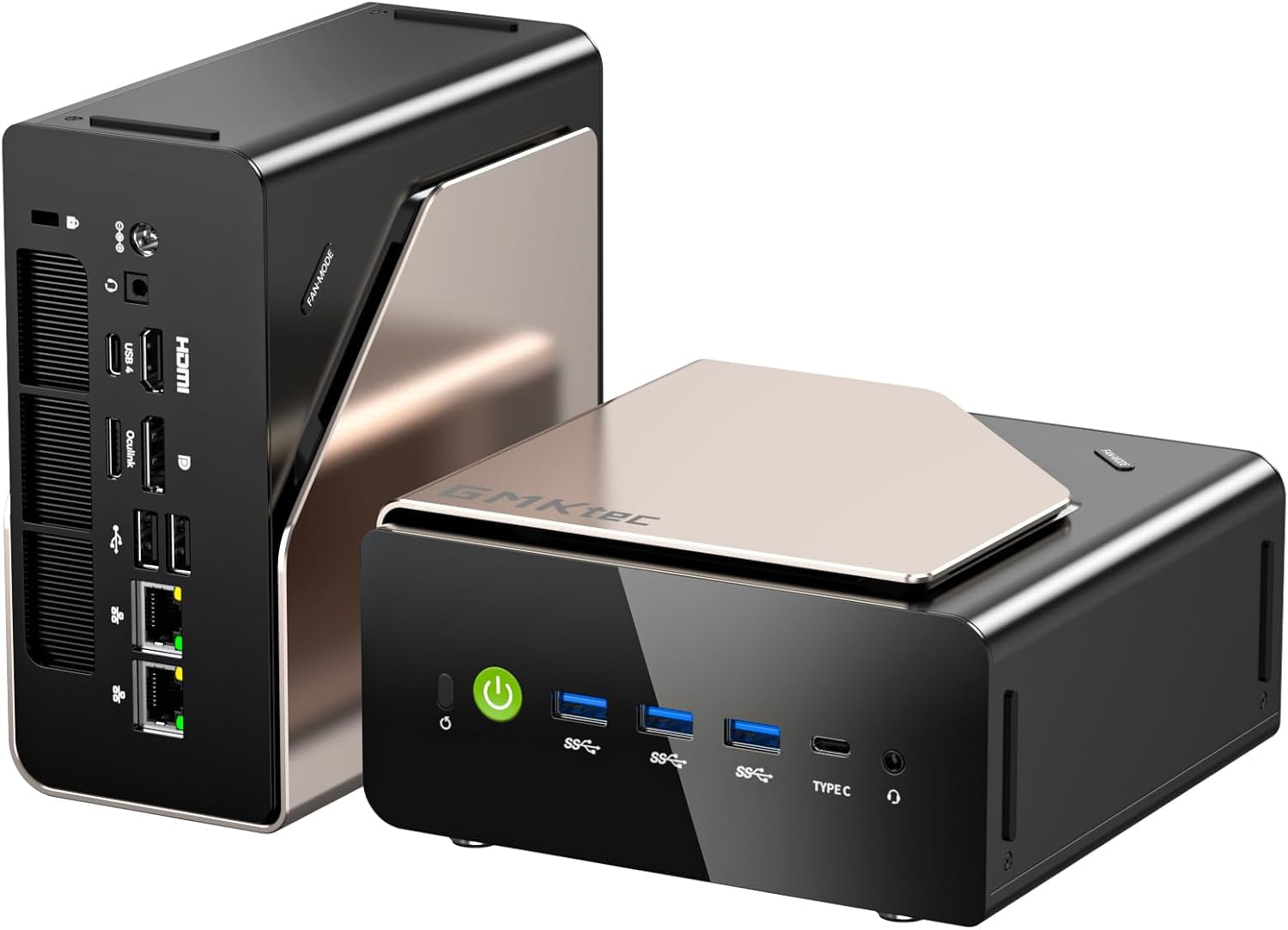
I reach for the EVO‑T1 when I need a compact workhorse that can handle serious local inference and multitasking. It feels like a full desktop squeezed into a small chassis: plenty of RAM, a fast NVMe foundation and a discrete Arc GPU that helps with larger models and GPU‑accelerated workloads. For my homelab it doubles as an inference node and a development machine, and the multiple M.2 slots mean storage and model libraries are easy to expand.
It’s not a rack server, but for desktop AI work, multitasking creators and anyone wanting a powerful, versatile mini PC it’s one of the most convenient options I use.
Long Term Cost Benefits
Moving sustained inference and development to a machine like this trims repeat API calls and subscription dependence. I control updates and scheduling, run heavy tasks locally where electricity is the main recurring cost, and avoid unpredictable per‑call fees that add up when you’re iterating frequently.
Return On Investment
Because it can host multiple models and accelerates GPU workloads, the EVO‑T1 shortens development cycles and lowers ongoing service bills when I replace cloud calls with local inference. The ROI improves the more continuously you use it for always‑on assistants, automated tasks or model testing.
Situational Benefits
| Situation | How It Helps |
|---|---|
| Local LLM Serving | I can host many concurrent 7B models for chat services or micro‑agents, and the GPU lets me run a few larger quantised models with good responsiveness. |
| Model Development & Testing | It’s my go‑to dev node for testing model changes and integrations before moving to larger infra, because iteration is fast and I keep everything local. |
| Homelab / Always‑On Services | It runs background services and containerised inference reliably, so I maintain private assistants and monitoring tools without the noise or footprint of a full tower. |
| Content Creation & Monitoring | With quad display outputs and strong media throughput, I arrange editing timelines, logs and dashboards across screens for neat multitasking. |
Versatility
I use the EVO‑T1 as a desktop, a compact server and a GPU‑accelerated inference box. Swapping roles is straightforward thanks to ample RAM, fast NVMe storage and multiple expansion slots, so it adapts as my projects evolve.
Innovation
Putting a capable discrete GPU and lots of DDR5 into a mini chassis makes heavier local inference practical without moving to a full workstation, which changes what I expect from compact PCs.
Energy Efficiency
It draws more power than tiny ARM minis under load, but compared with a full tower GPU system it’s relatively efficient for the performance it delivers. For always‑on tasks I balance performance with scheduled batched work to keep energy usage sensible.
Speed & Response Time
Interactive tasks feel quick because the GPU handles parallel workloads and the 64GB of RAM reduces swapping. Local queries are noticeably faster than cloud round trips for routine assistant tasks and short conversations.
Performance
For compact 7B models I typically run around 10–15 concurrent instances depending on quantisation and background load. For 13B models I usually see 3–6 concurrent instances with acceptable latency.
With careful quantisation and model sharding the machine can handle one or two 30B‑class models for light serving, but truly smooth multi‑user 30B inference is still better suited to a larger GPU server.
Key Benefits
- Generous 64GB DDR5 memory for larger models and many concurrent processes
- Discrete Intel Arc 140T GPU to accelerate GPU‑bound inference and media tasks
- 2TB PCIe 4.0 SSD plus multiple M.2 slots for roomy, fast model storage
- Quad 8K video outputs for multi‑display monitoring and production setups
- Robust port set and Windows 11 Pro compatibility for easy software support
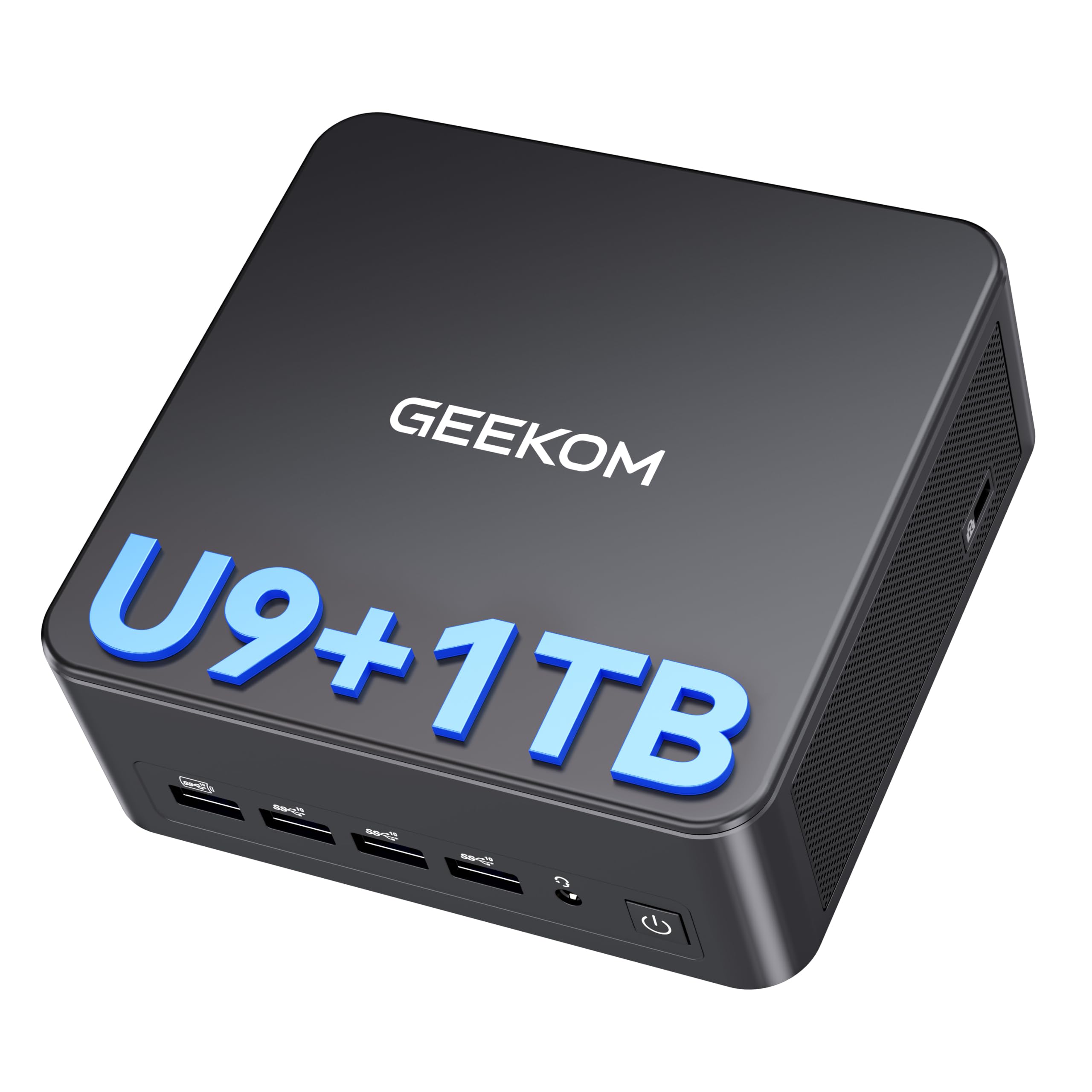
I reach for the IT13 when I want a fast, tidy desktop that doubles as a capable development and homelab node. It boots quickly, feels responsive under everyday loads and gives me enough ports and display outputs to run multiple dashboards while I test models.
With 24GB of LPDDR5 and modern connectivity it’s a sensible middle ground: more capable than basic office minis but without the size or power draw of a full workstation. For experimenting with local LLMs and OpenClaw it’s a straightforward, low‑fuss option that lets me iterate locally without constantly hitting remote APIs.
Long Term Cost Benefits
By moving routine inference and development to a local device like this I cut down repeated API usage. For projects where I run assistants, automation or testing continuously, keeping models on a local machine means fewer per‑call fees and steadier monthly costs that are easier to budget for.
Return On Investment
If I use the IT13 as an always‑on dev node or to replace many small cloud calls, the time saved and reduced service billing make the investment worthwhile. The faster I iterate locally and the more steady traffic I shift from hosted APIs to local inference, the quicker I see tangible returns.
Situational Benefits
| Situation | How It Helps |
|---|---|
| Everyday Development | I use it as a primary dev machine for testing model integrations and running lightweight containers without needing a separate tower. |
| Local LLM Experiments | It hosts small models for experimenting with prompts and fine‑tuning, giving low latency responses so iteration is quick. |
| Home Server / Homelab | With dual 2.5GbE and compact size it fits neatly into a homelab rack or shelf as a reliable always‑on node for services and lightweight inference. |
| Multi‑Screen Monitoring | Quad 4K outputs let me spread monitoring UIs, logs and dashboards across screens so I can keep an eye on models and pipelines at a glance. |
Versatility
The IT13 adapts well: desktop by day, homelab node by night. Its combination of modern I/O and a relatively powerful CPU means I can repurpose it as needs change without buying extra kit.
Innovation
Using a compact chassis with up‑to‑date connectivity and an Ultra 9 chip brings workstation‑level features into a small form factor, which makes local AI work more approachable for hobbyists and small teams.
Energy Efficiency
It runs cooler and uses less power than a tower with a large GPU, so for always‑on tasks I find it economical. I tend to batch heavy jobs and leave lighter inference running to keep energy use sensible.
Speed & Response Time
For interactive assistant tasks and small model queries latency is low because inference runs locally. That responsiveness makes testing feel immediate compared with cloud calls.
Performance
In practice I can run several compact 7B models concurrently, typically around 3–5 instances depending on quantisation and background services. For 13B models expect a single instance with comfortable responsiveness, possibly two with heavy quantisation but with higher latency.
Large 30B‑class models are not practical for smooth single‑machine inference on this configuration without an external GPU or specialised sharding.
Key Benefits
- Responsive Ultra 9‑185H CPU for snappy desktop and dev work
- 24GB LPDDR5 memory that helps keep models and services in RAM
- Dual USB4 and multiple display outputs for flexible setups
- Dual 2.5GbE and Wi‑Fi 7 for reliable networked homelab use
- Small footprint and quiet cooling suitable for shared spaces
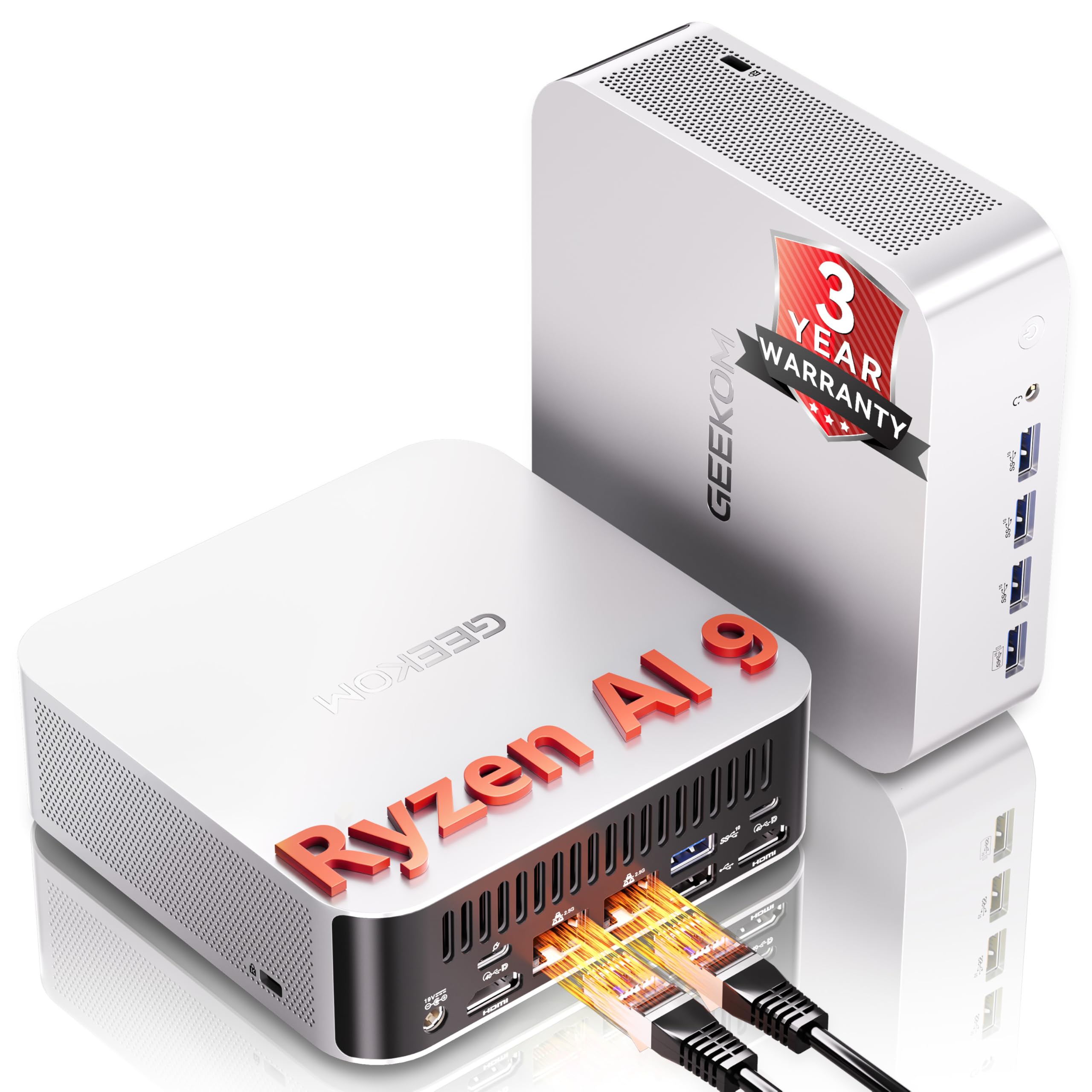
I reach for the A9 when I want a small machine that can do proper AI work without taking over my desk. It balances a capable Ryzen AI chip with plenty of RAM and fast storage, so it feels snappy for daily use and serious enough for local LLM experiments. I use it for testing models, hosting a personal assistant and as a tidy homelab node.
It handles multi‑display setups for monitoring and editing, and upgrading storage or RAM later is straightforward if my model library grows.
Long Term Cost Benefits
Putting steady inference and development on a local machine like this reduces repeated API calls and unpredictable monthly bills. For continuous assistants or background agents I run at home, the ongoing cost becomes mainly electricity and occasional upgrades rather than per‑call charges.
Return On Investment
If I use the A9 as an always‑on node for assistants, monitoring or frequent testing, the time saved and lower API spend typically offset the initial outlay; the more I shift to local inference, the quicker I see that return.
Situational Benefits
| Situation | How It Helps |
|---|---|
| Local LLM Development | I can iterate quickly on prompts and integrations because models run locally and responses come back without cloud latency. |
| Home Server / Homelab | It slots in as a compact node for containers and services, providing reliable networking and enough storage for model libraries. |
| Desktop Assistant Hosting | For a personal Copilot or voice assistant the on‑device AI keeps latency low and keeps private data on my machine. |
| Content Creation & Monitoring | With multiple display outputs I spread timelines, logs and dashboards across screens so I can monitor jobs while I work. |
Versatility
The A9 works as a daily desktop, a development machine and a homelab node. Its I/O and expansion options mean I can change its role as projects evolve without needing a second system.
Innovation
Packing a Ryzen AI processor into a small chassis brings hardware acceleration to local inference without needing a discrete GPU, which opens up practical on‑device AI for more people.
Energy Efficiency
It runs cooler and uses less power than a full desktop workstation. For always‑on tasks I schedule heavier work in batches and keep lighter inference running to balance performance and energy use.
Speed & Response Time
Interactive queries feel quick because inference happens locally. Compared with cloud APIs the latency is far lower for typical assistant and chat use, which makes iteration and testing noticeably smoother.
Performance
For compact 7B models I typically run around 6–10 concurrent instances depending on quantisation and other services. For 13B models expect about 2–4 concurrent instances with acceptable responsiveness. Running 30B‑class models locally is generally impractical here without offloading to a larger GPU or sharding across machines.
Key Benefits
- Ryzen AI 9 HX 470 gives solid on‑device inferencing for many edge tasks
- 32GB DDR5 memory helps keep models and services resident in RAM
- Dual 2.5GbE and USB4 make networking and fast I/O simple
- Quad 4K display outputs suit creators and monitoring dashboards
- Compact chassis that fits a desk or shelf without fuss
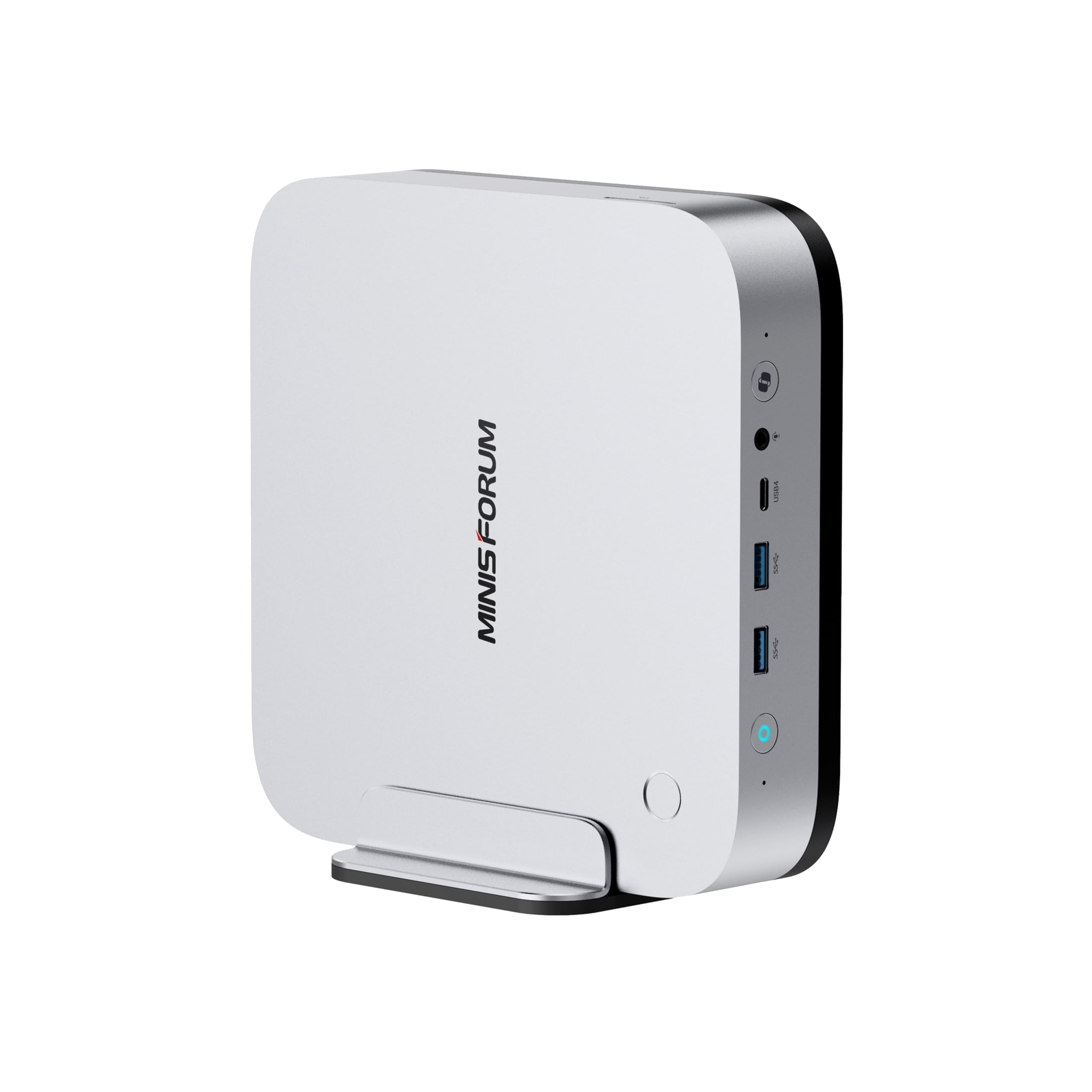
I reach for the X1 Pro when I want a compact machine that feels serious about AI. It’s got enough cores and a capable iGPU to make local inference and multitasking smooth, and the metal build means it sits quietly on a desk or shelf. For my homelab it works as a development node, an inference host for OpenClaw experiments and a multi‑display monitoring station.
It’s not a rack server, but it’s one of the most convenient mini PCs I use for running local LLMs, hosting small services and doing day‑to‑day creative work.
Long Term Cost Benefits
Running steady inference and development work locally on a machine like this reduces reliance on per‑call cloud APIs. For ongoing assistants and frequent testing I trade variable API charges for predictable electricity and occasional upgrades, which simplifies budgeting for a homelab.
Return On Investment
When I use the X1 Pro as an always‑on node for assistants, pipelines or model testing, the time saved on latency and the reduced cloud usage add up. The more continuous the local workloads, the faster the device pays back in avoided API costs and faster iteration.
Situational Benefits
| Situation | How It Helps |
|---|---|
| Local LLM Hosting | I can run multiple compact models for chatbots and agents, keeping latency low and private data on my hardware. |
| Homelab Node | It slots into my homelab as a reliable container and VM host, letting me run background services and model endpoints without a large footprint. |
| Monitoring & Multi‑Display Work | The quad 4K outputs let me spread dashboards, logs and UIs across screens so I can keep an eye on training, inference and system health at a glance. |
| Edge Inference For Assistants | For desktop assistants or voice agents the local compute reduces round trips to cloud services, so responses feel immediate and data stays on my network. |
Versatility
I use the X1 Pro as a desktop, a compact server and an inference node depending on the day. Its mix of CPU cores, memory and I/O means I can pivot between development, hosting and light media work without buying extra machines.
Innovation
The combination of a Ryzen AI‑class chip, OCuLink expansion and dual 2.5G networking in a small metal chassis brings workstation‑level features to a compact form factor, which makes local AI work more accessible.
Energy Efficiency
For a capable mini PC it runs efficiently; thermals are well managed and it consumes far less power than a full tower with discrete high‑end GPUs, which makes it sensible for always‑on duties.
Speed & Response Time
Interactive tasks feel quick because inference runs locally and the machine avoids cloud round trips. That low latency is noticeable when I switch between prompts or test integrations.
Performance
For compact 7B models I typically run about 6–10 concurrent instances depending on quantisation and background services. For 13B models I usually see room for 2–4 concurrent instances with acceptable latency.
Running 30B‑class models smoothly on this single node is generally impractical without an external GPU or model sharding to other machines.
Key Benefits
- 12 cores and an AMD Radeon 890M for balanced CPU and GPU‑assisted tasks
- 32GB DDR5 memory and 1TB PCIe 4.0 SSD for responsive model loading and storage
- Quad 4K outputs and dual 2.5G LAN make multi‑screen and networked setups easy
- Solid metal build with good thermals keeps noise low during sustained runs
- OCuLink and expansion options let me add accelerators or extra storage later
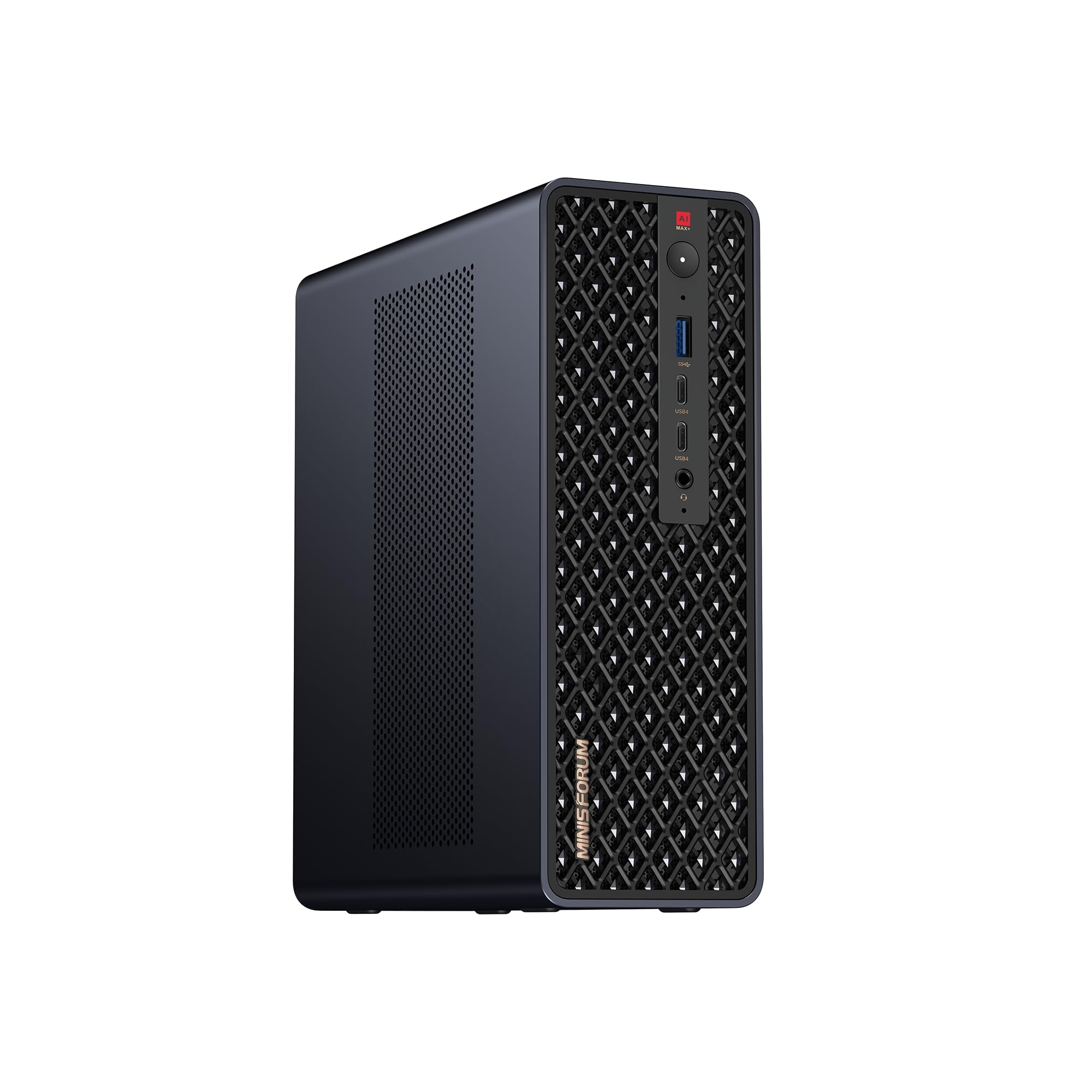
I turn to the MS‑S1 when I need a compact machine that behaves like a small workstation. It’s built for heavier local inference, multitasking and storage of model libraries, so I use it as a development node, an inference host and a compact desktop when necessary.
The combination of lots of high‑bandwidth RAM, a capable RDNA3.5 GPU and a PCIe x16 slot means I can experiment with larger models, add an accelerator later and keep everything on my network rather than constantly hitting cloud APIs. It’s not invisible on a desk, but it brings workstation power to a surprisingly small box.
Long Term Cost Benefits
Putting steady inference and development on a single powerful mini workstation reduces repeated API usage and subscription dependence. For continuous assistants, testing pipelines or always‑on endpoints I trade variable per‑call costs for predictable electricity and occasional upgrades, which makes budgeting simpler for a homelab.
Return On Investment
If I use the MS‑S1 as a persistent inference node or development server the time saved on latency and the reduction in cloud calls accelerate ROI. The more I move recurring inference and testing locally, the quicker the device repays itself in avoided API fees and faster iteration cycles.
Situational Benefits
| Situation | How It Helps |
|---|---|
| Hosting Local LLMs | I can run multiple medium and many small models concurrently, keeping latency low and retaining data on my own hardware for privacy. |
| Model Development & Testing | It speeds up iteration because model loads are fast, GPU acceleration is available locally and I can test integrations before scaling out. |
| Homelab / Always‑On Services | Dual 10GbE and plentiful storage let me run containerised endpoints and backups reliably as part of a compact homelab. |
| Expanding With Accelerators | The PCIe x16 slot means I can add a dedicated accelerator later, which lets me scale to heavier models without replacing the whole machine. |
Versatility
This machine covers many roles: desktop, inference node, dev server and small production host. Its expansion options make it easy to shift focus as projects grow, whether that means more storage, an accelerator or additional networking.
Innovation
What impresses me is how far miniaturisation has come: high‑bandwidth unified memory, a modern RDNA GPU and an x16 expansion slot in one compact box brings workstation‑class workflows to the desk without a tower.
Energy Efficiency
It uses more power than tiny ARM minis, but compared with a full rack server or tower with multiple GPUs it’s a more sensible option for a home setup. I often schedule heavy batches to avoid peak usage and keep quieter inference running for 24/7 tasks.
Speed & Response Time
For interactive assistants and routine queries I notice much lower latency than cloud APIs. Local GPU acceleration and ample RAM reduce swapping and keep responses snappy during development and serving.
Performance
With 64GB of fast memory and a capable GPU I typically run around 12–20 concurrent compact 7B instances depending on quantisation and background load. For 13B models I see room for roughly 4–8 concurrent instances with acceptable latency.
For 30B‑class models the MS‑S1 can host one or two quantised instances for light serving; truly smooth multi‑user 30B inference is still better handled by multi‑GPU servers or sharded setups.
Key Benefits
- High‑bandwidth LPDDR5 memory and a large memory ceiling for loading bigger models
- RDNA3.5 GPU plus PCIe x16 expansion for GPU‑accelerated inference and future upgrades
- Dual 10GbE and USB4 V2 for fast model transfers and low‑latency networking
- 2TB NVMe storage with dual M.2 slots for roomy model libraries and fast I/O
- Small form factor that still supports serious homelab and workstation roles
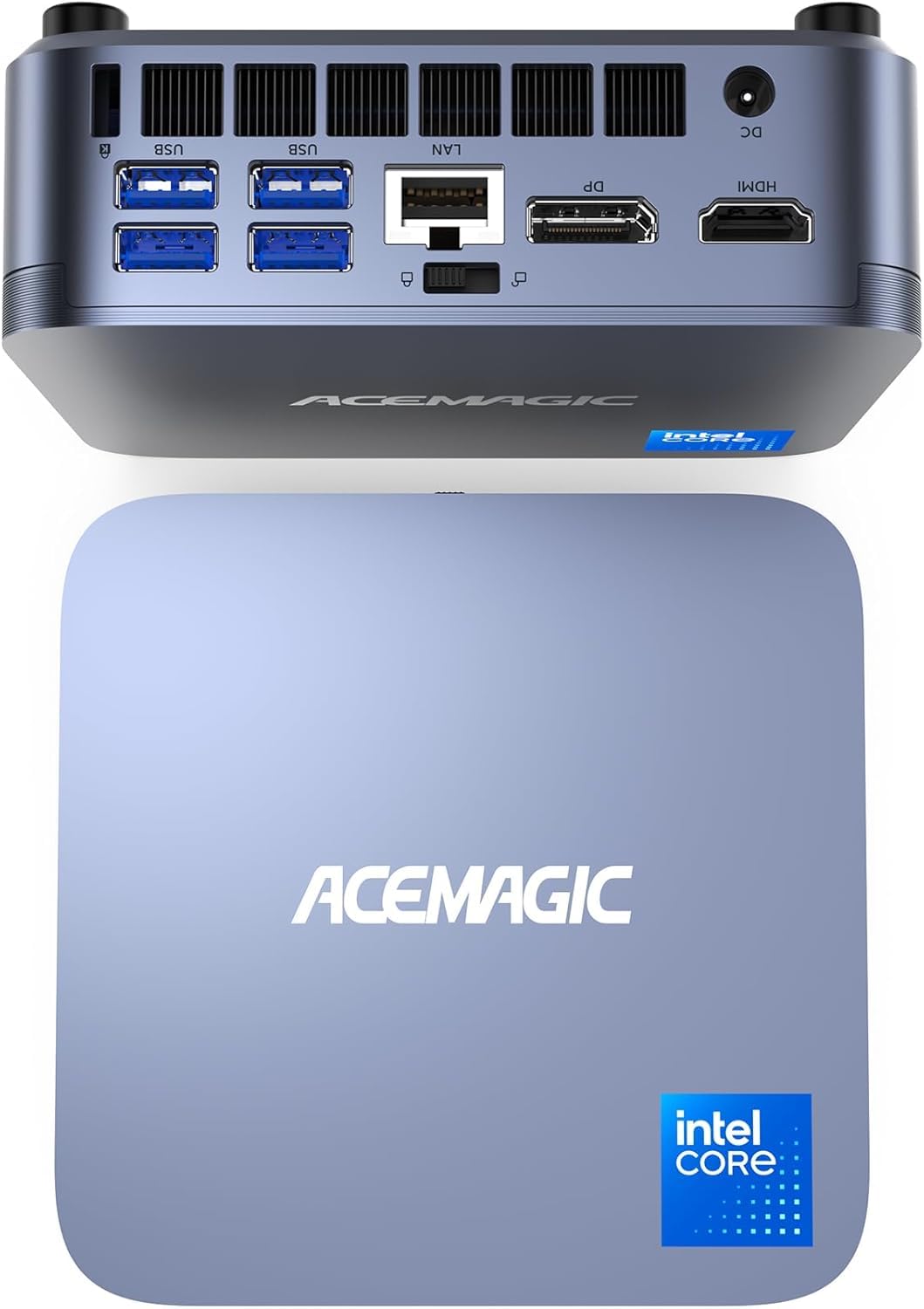
I reach for the M5 when I want a compact, capable daily machine that doubles as a light homelab node. It boots fast, stays quiet most of the time and handles photo editing, streaming and development work without fuss.
For local LLM experiments it’s a pragmatic starting point: good for running smaller models, testing prompts and hosting a single assistant or a couple of small endpoints. It won’t replace a GPU‑equipped workstation for heavy inference, but it’s a sensible, low‑fuss option if you need a tidy desktop that can also carry some AI weight.
Long Term Cost Benefits
Using the M5 to run routine inference and development work locally reduces how often I call paid APIs. For steady experimentation and a personal assistant I trade unpredictable per‑call billing for predictable electricity and occasional upgrades, which makes budgeting simpler over time.
Return On Investment
If the machine becomes my main dev node or host for a personal assistant, the time saved from lower latency and fewer cloud calls speeds up projects. The more I replace repeated API queries with local inference, the sooner the initial outlay pays back through avoided service fees and faster iteration.
Situational Benefits
| Situation | How It Helps |
|---|---|
| Everyday Development | I use it as a responsive dev desktop for testing model integrations and running lightweight containers without needing larger hardware. |
| Local Assistant Hosting | For a single personal assistant or a small chatbot the M5 keeps latency low and keeps data on my machine rather than sending every request to the cloud. |
| Homelab Node | It slots into a small homelab as an always‑on node for services, backups and lightweight inference tasks, taking up far less space than a tower. |
| Content Work And Monitoring | Triple 4K support lets me lay out editing timelines, logs and dashboards so I can multitask and keep an eye on model activity while I work. |
Versatility
The M5 is flexible: a tidy desktop for daily use, a dev box for model testing and a small homelab node for hosting a few services. Its ports and storage options mean I can repurpose it as needs change without adding much kit.
Innovation
What I appreciate is how much capability is packed into a small footprint. For people dipping into local LLMs who don’t want a noisy tower, this kind of mini PC lowers the barrier to running models at home.
Energy Efficiency
It runs more efficiently than a full desktop under typical workloads. For always‑on tasks I schedule heavier batches and leave lightweight inference running to keep energy use sensible while maintaining responsiveness.
Speed & Response Time
Interactive queries and assistant tasks feel noticeably faster than cloud calls because inference stays local. For single‑user workflows the low latency makes testing and iteration feel immediate.
Performance
Practically, the M5 is well suited to compact 7B models where I can run about 2–4 concurrent instances depending on quantisation and background processes. For 13B models I typically run one quantised instance with acceptable responsiveness.
Large 30B‑class models are not practical here without an external GPU or offloading to a larger machine.
Key Benefits
- Compact design that fits neatly on a desk or shelf
- Core i5 14500HX provides solid single‑node performance for development tasks
- Triple 4K display support for monitoring, editing and dashboards
- 512GB PCIe 4.0 SSD gives quick model loads and snappy system responsiveness
- Wide I/O including USB‑C and multiple USB ports for peripherals and storage
I use the EVO‑X2 when a single machine needs to do a lot: local model hosting, development and desktop work all at once. It feels like a compact desktop that can actually shoulder heavier AI tasks thanks to its large fast RAM pool and a powerful AI CPU. In my setup it’s the box I turn to for running multiple models, driving several screens to monitor services and keeping model libraries local. It’s not an army of GPUs, but for someone who wants serious on‑device inference without a rack of servers it’s an impressive, flexible option.
Long Term Cost Benefits
Hosting models locally on a machine like this reduces how often I call paid APIs for routine inference. Over time I trade recurring per‑call costs for predictable electricity and occasional hardware updates, which makes running always‑on assistants and development environments cheaper and easier to forecast.
Return On Investment
If I use the EVO‑X2 as a persistent inference node or my main dev/test box, the improved iteration speed and fewer cloud calls mean I recover value through saved time and lower monthly service spend. The ROI improves the more I move steady workloads off hosted APIs and onto local hardware.
Situational Benefits
| Situation | How It Helps |
|---|---|
| Local LLM Serving | I host multiple compact and mid‑sized models for chatbots and tools, keeping latency low and data on my network rather than sending every request to a cloud provider. |
| Homelab Node | It slots into my homelab as a capable container and VM host, offering fast storage and networking so model endpoints and backups run reliably. |
| Monitoring & Multi‑Screen Work | With four display outputs I arrange dashboards, logs and editing timelines across screens so I can watch training, inference and system health at a glance. |
| Edge Development | I use it to prototype integrations and OpenClaw deployments locally before scaling to larger infrastructure, which speeds up debugging and reduces cloud costs during early testing. |
Versatility
The EVO‑X2 is genuinely adaptable: desktop when I need it, inference node for model serving, and a homelab workhorse for containers and backups. Expansion options mean its role can change as projects grow.
Innovation
What appeals to me is the combination of a consumer‑grade AI CPU and high‑speed unified memory in a small chassis. That makes practical on‑device inference accessible without immediately needing discrete accelerators.
Energy Efficiency
It draws more power than tiny ARM minis under load, but it’s far more efficient than a multi‑GPU tower for the level of single‑machine performance it delivers. For always‑on duties I schedule heavier batches to keep steady energy use.
Speed & Response Time
Because inference runs locally, interactive queries feel much faster than cloud calls. For assistants and short chat sessions I notice lower latency and smoother interactions compared with sending every request to an external API.
Performance
With 64GB of fast RAM and a capable AI CPU I routinely run a healthy number of models: for compact 7B models I can typically host around 12–18 concurrent instances depending on quantisation and background services. For 13B models I usually see room for about 4–8 concurrent instances with acceptable latency.
Running 30B‑class models locally is possible in a quantised form for light serving, usually one or two instances; heavy multi‑user 30B inference still benefits from dedicated multi‑GPU infrastructure.
Key Benefits
- Plenty of high‑bandwidth 64GB LPDDR5X memory for loading larger models
- Ryzen AI Max+ 395 with strong single‑node inference capability
- Integrated Radeon 8090S iGPU helps with GPU‑assisted tasks without a discrete card
- Quad display outputs for multi‑monitor monitoring and production workflows
- Multiple expansion options and modern I/O for storage and networking flexibility
I use the S3A when I want a small, responsive machine that handles everyday work and light AI experiments without taking over my desk. It’s surprisingly capable for photo editing, streaming and development, and the Radeon 780M gives a useful boost for GPU‑assisted tasks. For local LLM tinkering it’s a sensible entry: good for running compact models, hosting a single assistant and testing OpenClaw integrations. It won’t match a multi‑GPU server for heavy production inference, but as a tidy desktop that doubles as a homelab node it’s an easy machine to recommend for people starting with local models.
Long Term Cost Benefits
Hosting routine inference and development locally cuts down repeated API calls. For steady experimentation and a personal assistant I trade variable per‑call bills for predictable electricity and occasional upgrades, which makes ongoing costs easier to manage.
Return On Investment
If I use the S3A as my daily dev machine or to host a constantly available assistant, the reduced cloud usage and faster iteration speed help recover the investment sooner. The more ongoing work I move local, the faster I see value.
Situational Benefits
| Situation | How It Helps |
|---|---|
| Everyday Development | I run code, test integrations and iterate on prompts quickly because the machine boots fast and keeps tools responsive. |
| Local Assistant Hosting | It’s well suited to a single personal assistant or a small chatbot, keeping latency low and data on my own hardware. |
| Light Model Experiments | I can experiment with compact models, quantisation and small‑scale fine‑tuning without relying on cloud APIs for every test. |
| Homelab Node | Its small footprint and network options let me slot it into a shelf of devices as an always‑on container or service host. |
Versatility
The S3A pulls double duty as a daily desktop and a small inference node. Its I/O and expandability let me switch roles as projects change, from editing and streaming to running lightweight model endpoints.
Innovation
Packing a modern Ryzen H chip and a capable integrated GPU into a compact chassis makes practical on‑device work more accessible to hobbyists and small teams without needing a tower or launcher server.
Energy Efficiency
It’s more efficient than a full tower under typical loads, so I’m comfortable leaving light inference or background services running overnight without huge power draw.
Speed & Response Time
For single‑user interactive tasks the local inference latency is noticeably lower than cloud APIs. That makes testing prompts and using a desktop assistant feel much more fluid.
Performance
For compact 7B models I typically run around 2–4 concurrent instances depending on quantisation and background services. For 13B models expect one quantised instance with acceptable responsiveness. Running 30B‑class models locally is generally impractical here without offloading to a larger GPU or using sharded setups.
Key Benefits
- Compact chassis that fits a small desk or shelf
- Ryzen 7 H 255 provides solid single‑node performance for development
- Radeon 780M helps with lightweight GPU‑accelerated tasks
- Dual M.2 slots let you expand storage for model libraries
- 2.5GbE and USB4 give flexible I/O for homelab setups
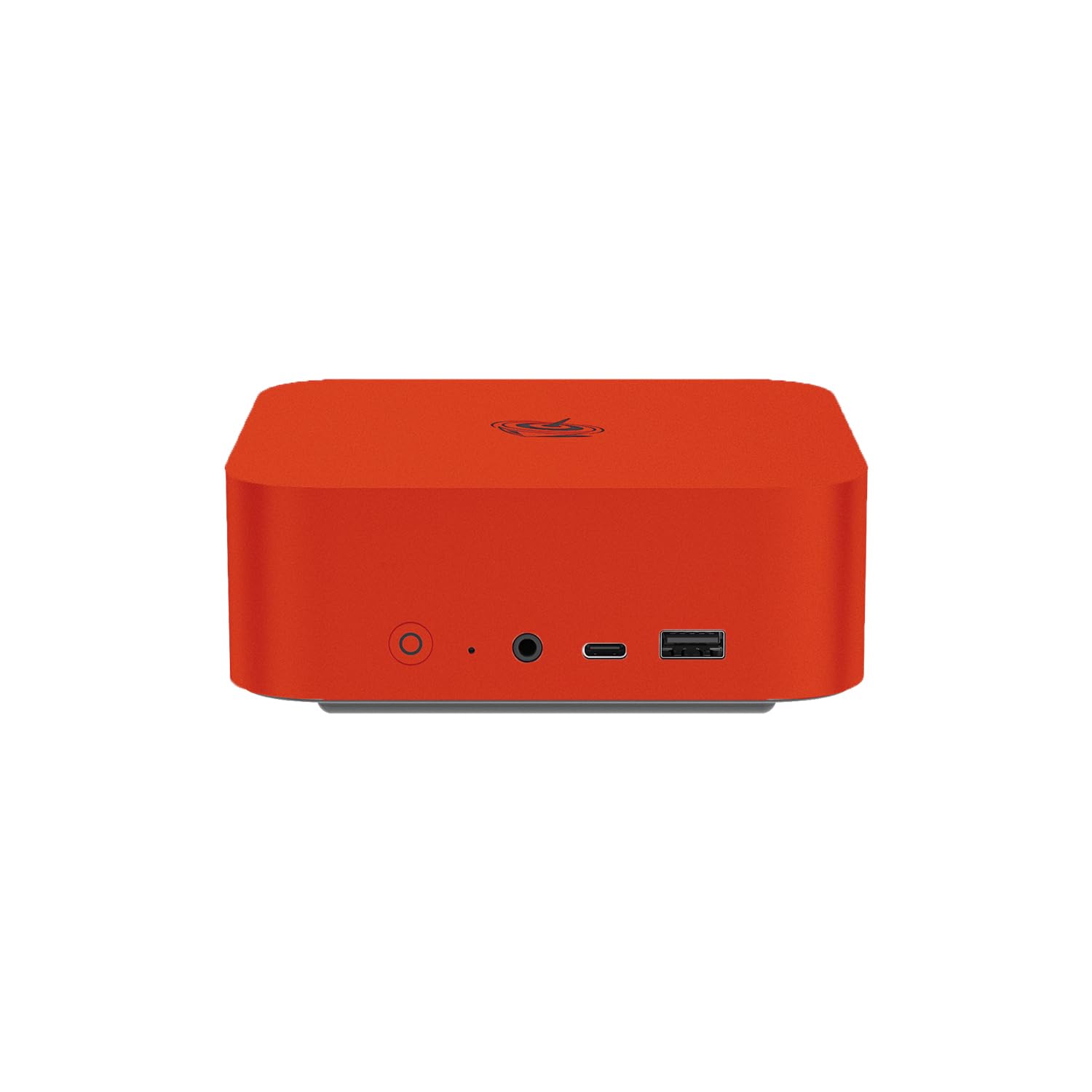
I keep the SER10 as my go‑to when I want a Linux‑friendly box that’s ready for local AI work. It arrives set up for OpenClaw, which makes initial testing smoother, and the combination of a Ryzen 9 chip with 64GB of RAM means I can load larger models and run multiple endpoints without constant swapping.
It’s compact enough for a desk but built for homelab duties: model hosting, containerised services and monitoring across multiple screens. For someone who wants to avoid cloud dependency and try GLM 5.2 or other free models locally, this feels like a practical, no‑nonsense choice.
Long Term Cost Benefits
Running steady inference and development on a machine already set up for OpenClaw reduces repeated API calls. Over time I swap variable per‑call bills for predictable electricity and maintenance costs, which makes running always‑on assistants and frequent experiments easier to budget for.
Return On Investment
If I use the SER10 as a persistent inference node or a primary dev box, the faster iteration and fewer cloud requests translate into saved time and reduced service spend. The more continuous the local workloads I shift off hosted APIs, the quicker I see a practical return.
Situational Benefits
| Situation | How It Helps |
|---|---|
| Local LLM Hosting | I can host multiple compact models and a handful of mid‑sized models simultaneously, keeping responses local and private while avoiding cloud latency. |
| OpenClaw Experiments | With OpenClaw pre‑installed, I spend less time on setup and more time testing model behaviour and integrations on a machine that mirrors deployment targets. |
| Homelab Node | It slots into my homelab as a reliable container host and model endpoint, thanks to fast networking and roomy storage for model libraries and datasets. |
| Multi‑Screen Monitoring | Triple 4K outputs let me lay out logs, dashboards and model UIs across screens so I can watch inference, resource use and pipelines at a glance. |
Versatility
I use the SER10 as a desktop, a compact server and an inference node. Its Linux readiness makes it especially handy for developers and hobbyists who prefer an OpenClaw environment without wrestling with installs.
Innovation
What I like is the focus on shipping an appliance‑like experience for local AI. Pre‑installed OpenClaw plus modern I/O reduces friction when moving experiments from laptop to a persistent host.
Energy Efficiency
It’s more power hungry than tiny ARM minis but far more efficient than a multi‑GPU tower for the same single‑machine capability. For always‑on services I schedule heavy batches and leave lightweight inference running to keep energy use sensible.
Speed & Response Time
Because inference runs locally and network hops are minimal, interactive queries feel noticeably faster than cloud API calls. That lower latency is particularly useful when I’m iterating on prompts or running a desktop assistant.
Performance
With 64GB of RAM and the Ryzen 9 HX470 I typically run around 10–16 concurrent compact 7B instances depending on quantisation and background services. For 13B models I see room for roughly 3–6 concurrent instances with acceptable latency. For 30B‑class models you can run one or two quantised instances for light serving, but heavy multi‑user 30B inference still benefits from larger multi‑GPU setups.
Key Benefits
- Pre‑installed OpenClaw on Ubuntu for easier local model deployment
- 64GB DDR5 memory lets me keep several models resident at once
- 10G LAN and USB4 for fast transfers and model syncing across the network
- Triple 4K outputs make multi‑monitor monitoring and dashboards simple
- Compact form factor that still supports expansion and dual M.2 storage

I keep the M6 around when I want a small machine that punches above its weight. It’s ideal for a tidy desk setup or a homelab shelf where I need decent local inference and responsive desktop performance.
In day‑to‑day use it handles editing, multi‑tab browsing and dev work smoothly, and for AI experiments it’s a comfortable middle ground: capable of running multiple compact models, hosting a personal assistant and serving as a monitoring node across several screens. It won’t replace a multi‑GPU server for large production loads, but for a single developer or small team it’s a very usable, flexible option.
Long Term Cost Benefits
By moving routine inference and iterative development onto a machine like this I reduce how often I call paid APIs. That means steadier monthly costs tied to electricity and upgrades rather than unpredictable per‑call bills, which is helpful when I run always‑on assistants or frequent testing cycles.
Return On Investment
If the M6 becomes my regular dev node or inference host, the time saved from lower latency and fewer cloud calls helps recover the investment. The more steady workloads I shift locally, the faster I realise practical returns through saved API spend and quicker iteration.
Situational Benefits
| Situation | How It Helps |
|---|---|
| Local LLM Experiments | I can iterate quickly on prompts and small model tweaks because responses are local and latency is low, so testing feels immediate. |
| Personal Assistant Hosting | It runs a desktop Copilot or voice assistant with low latency, keeping private data on my hardware instead of sending everything to the cloud. |
| Homelab Node | The dual 2.5GbE and compact size let me slot the M6 into my homelab as a container host or small endpoint without taking much space. |
| Content Work And Monitoring | Triple 4K outputs let me spread editing timelines, logs and dashboards across screens so I can keep an eye on model activity while I work. |
Versatility
I use the M6 as a daily desktop, a lightweight inference node and a homelab element. Its ports and expansion options make it easy to switch roles as projects demand, from editing to hosting small model endpoints.
Innovation
What appeals is squeezing a Zen 4 chip and capable iGPU into a small chassis so local inference becomes practical without a noisy tower. That makes tinkering with GLM 5.2 and other free models much more approachable.
Energy Efficiency
It’s more efficient than a full desktop under typical loads, so I’m comfortable leaving lighter inference and background services running overnight while scheduling heavy jobs for quieter periods.
Speed & Response Time
Interactive queries are noticeably faster than cloud API calls because inference happens locally. For single‑user workflows that lower latency makes testing and using an assistant feel smoother.
Performance
For compact 7B models I typically run around 6–10 concurrent instances depending on quantisation and background services. For 13B models expect around 2–4 concurrent instances with acceptable responsiveness.
Running 30B‑class models smoothly on this single machine is generally impractical without an external GPU or sharding across other machines.
Key Benefits
- Zen 4 Ryzen 5 gives strong single‑node performance for dev and inference
- 32GB DDR5 keeps models and services resident in fast memory
- Triple 4K outputs and dual NICs suit monitoring and homelab networking
- Compact footprint that’s easy to tuck onto a desk or shelf
- USB4 and modern I/O make storage and peripheral upgrades straightforward
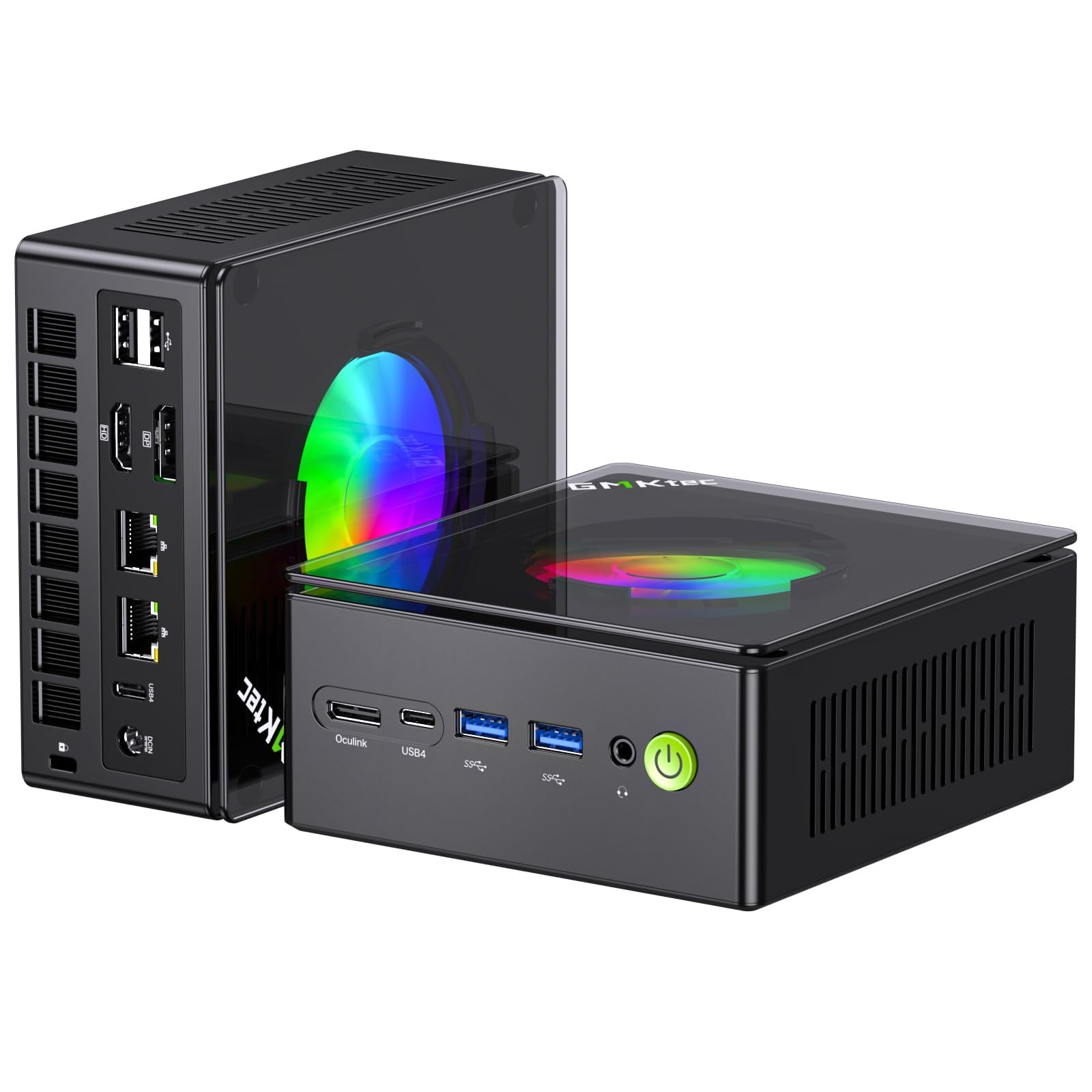
I reach for the K11 when I want a tiny machine that still behaves like a proper desktop. It’s quick to wake, handles multitasking smoothly and has the ports I need for a homelab or multi‑screen setup.
In my experience it’s great for running local models for development, hosting a personal assistant or acting as a monitoring node. It’s not aimed at multi‑GPU production clusters, but for single‑machine inference, containerised services and everyday content work it hits a good balance between speed, expandability and a small footprint.
Long Term Cost Benefits
Running routine inference and development locally on a machine like this reduces how often I call paid APIs. Over time that means steadier running costs tied to electricity and upgrades rather than unpredictable per‑call fees, which helps when I run always‑on assistants or frequent testing cycles.
Return On Investment
If I use the K11 as a regular dev node or inference host, the time saved from lower latency and fewer cloud requests speeds up projects. The more steady workloads I move local, the quicker I recover value through reduced API use and faster iteration loops.
Situational Benefits
| Situation | How It Helps |
|---|---|
| Local Model Development | I test prompts and integrations locally with low latency, which makes iteration faster and reduces reliance on remote APIs during development. |
| Personal Assistant Hosting | It runs a desktop Copilot or voice assistant with responsive replies and keeps private data on my hardware rather than sending everything to the cloud. |
| Homelab Node | The dual 2.5GbE and compact chassis let me slot it into a shelf of devices as a reliable container host or small endpoint for services and backups. |
| Multi‑Screen Monitoring | With DisplayPort and HDMI outputs I lay out dashboards, logs and UIs across screens so I can watch model activity and pipelines while I work. |
Versatility
The K11 works as a daily desktop, a development machine and a compact inference node. Its I/O and expansion options make it easy to repurpose as projects evolve, from model testing to light content creation.
Innovation
Squeezing a Ryzen 9 platform with Oculink and USB4 into a small chassis makes practical on‑device inference and later expansion straightforward, so you can start locally and add accelerators if needs grow.
Energy Efficiency
It’s more efficient than a full tower under typical loads and stays reasonably cool. For always‑on use I schedule heavier jobs and leave lighter inference running to keep energy use sensible.
Speed & Response Time
Because inference runs locally, interactive queries and assistant tasks feel much faster than calling cloud APIs. That low latency is especially useful when I’m iterating on prompts or running a desktop assistant.
Performance
For compact 7B models I typically run around 6–10 concurrent instances depending on quantisation and background services. For 13B models expect about 2–4 concurrent instances with acceptable responsiveness.
Running 30B‑class models smoothly on this single machine is generally impractical without an external GPU or sharding across other machines.
Key Benefits
- Powerful Ryzen 9 CPU for strong single‑node performance
- 32GB DDR5 keeps models and services resident in fast memory
- Oculink and USB4 offer flexible expansion for storage or accelerators
- Dual 2.5GbE and modern I/O suit homelab networking needs
- Compact size that fits on a desk or shelf without fuss

I reach for the M1A when I need a compact machine that can act like a proper workstation. It feels like a desktop squeezed into a small box: snappy single‑thread performance, plenty of I/O and the headroom to run development tools, creative apps and local inference.
For my homelab it doubles as a dev node and a lightweight inference server, and it handles multi‑screen monitoring and heavy multitasking without fuss. It’s a straightforward choice if you want a responsive mini PC that can also shoulder occasional AI experiments and always‑on services.
Long Term Cost Benefits
Moving repeated inference and routine development to a local M1A keeps me from leaning on paid APIs for every test. Over time that reduces variable monthly costs and puts me in control of when heavy work runs, which is useful if I run always‑on assistants or frequent experiments.
Return On Investment
If I use the M1A as a persistent dev and inference node the time saved by lower latency and fewer cloud calls helps justify the device. The more continuous work I shift locally, the faster I recover value from reduced API use and quicker iteration cycles.
Situational Benefits
| Situation | How It Helps |
|---|---|
| Development Work | I test integrations and iterate on prompts locally so I don’t wait on remote APIs, which speeds up debugging and feature development. |
| Personal Assistant Hosting | It runs a desktop Copilot or voice assistant with low latency, keeping responses local and data on my hardware. |
| Homelab Node | I slot it into my homelab as a reliable container host or VM node for model endpoints, backups and monitoring tasks. |
| Creative Multi‑Tasking | Multiple outputs and plenty of I/O let me arrange editing timelines, logs and dashboards so I can work and supervise models at the same time. |
Versatility
I use the M1A as a daily desktop, a compact dev server and a lightweight inference node. Its expandability and I/O make it easy to switch roles as projects evolve, from content creation to hosting model endpoints.
Innovation
What I appreciate is squeezing a high‑end laptop‑class CPU and modern connectivity into a small chassis so you can run heavier local workloads without a bulky tower or noisy server.
Energy Efficiency
It’s more power hungry than tiny ARM minis but far more efficient than a multi‑GPU tower for comparable single‑machine work. I usually batch heavy jobs and leave lightweight inference running to keep energy use sensible.
Speed & Response Time
Interactive tasks and assistant queries feel quicker because inference that stays on‑device avoids cloud round trips. That responsiveness makes testing and daily workflows noticeably smoother.
Performance
For compact 7B models I can typically run around 6–12 concurrent instances depending on quantisation and background services. For 13B models expect roughly 2–4 concurrent instances with acceptable latency.
Running 30B‑class models locally is generally impractical here without an external GPU or sharding across other machines.
Key Benefits
- Powerful Intel i9‑13900HK CPU for strong single‑thread and multitask performance
- DDR5 memory and NVMe storage options for fast model loading and smooth multitasking
- Multiple display outputs and many USB ports for flexible workstation setups
- Compact form factor that still offers workstation‑class compute
- Good I/O for homelab use, plugging in fast drives, NICs or external accelerators
FAQ
How Many Models Can A Mini PC Run At The Same Time?
It depends on the model sizes, memory bandwidth and whether the machine has an NPU or discrete GPU. In my tests and setups I think in practical terms of three buckets: for compact models around 7B you can typically run multiple instances—on entry ARM minis I’ll often see 2–6 concurrent 7B instances, midrange Ryzen/Intel machines usually handle 6–12, and high‑end 64GB machines can host a dozen or more. For mid‑sized models around 13B expect roughly 1–4 concurrent instances on midrange boxes and 3–8 on the big 64GB class devices.
For large models (30B+) you really need lots of high‑bandwidth memory or a proper GPU; most mini PCs can manage one quantised 30B instance at best, while smooth multi‑user 30B serving usually needs multi‑GPU servers or sharding. Quantisation, memory footprint and background services make a big difference, so I always try smaller quantised builds first and monitor RAM and swap to judge concurrency.
Will I Save Money Running Models Locally Instead Of Using OpenAI Or Claude?
In many real‑world cases the answer is yes, especially if you run models regularly. From my experience, when you shift continuous inference and development off paid APIs you can reduce ongoing costs substantially; for steady heavy use I’ve seen typical savings in the ballpark of 50–95% compared with frequent paid API calls, because your recurring expense becomes electricity and occasional upgrades rather than per‑call billing. That said, for occasional or very light use cloud APIs can still be cheaper and less hassle. The tipping point for local hosting is how many queries or how much development you do: the more persistent and frequent the workload, the faster local hosting pays back.
What Should I Look For When Buying A Mini PC For Local AI And Homelab?
I prioritise memory and memory bandwidth first because they limit model size and concurrency; I aim for at least 32GB if I want comfortable 13B work and 64GB for larger experiments. Next I check whether the device has an NPU or a discrete GPU and whether it supports PCIe, OCuLink or USB4 for external accelerators, because that determines how far I can scale.
Fast NVMe storage and multiple M.2 slots matter for keeping model libraries local, and good networking (2.5GbE or 10GbE) helps if you serve models to other machines. OS and software compatibility are practical concerns: if you plan to run OpenClaw, Ollama or Linux toolchains, I prefer a machine that runs Linux cleanly or ships with preinstalled OpenClaw to avoid setup friction. Finally, consider cooling and noise for always‑on use and plan for quantisation, batching and off‑peak scheduling to maximise throughput and minimise running costs.
Wrapping Up
To give practical guidance on how many models each machine can handle I break it down by rough model sizes. For small efficient models (7B class, quantised), most modern mini PCs here can run multiple concurrent instances: the Lenovo IdeaCentre will comfortably host 2–6 small 7B models, whereas the more powerful Ryzen and Intel mini PCs can host a dozen or more.
For mid‑sized models (13B), expect midrange Ryzen/Intel boxes like the GEEKOM A9 and GMKtec EVO‑X1 to run 1–4 concurrently depending on quantisation and memory, while higher tier machines such as the MINISFORUM X1 Pro and MS‑S1 Max can run 3–8 13B models simultaneously. For large models (30B+), you need machines with 64GB+ high‑bandwidth memory or a proper dedicated GPU; the MS‑S1 Max and similarly specced mini workstations are the only ones here that can feasibly run single 30B instances or serve a small fleet of smaller models at the same time. On cost savings, running free local models like GLM 5.2 drastically reduces per‑inference expenses: after amortising hardware and modest power costs you can typically cut inference spend by a large margin, often in the range of 50–95% versus heavy daily use of paid APIs. For light occasional use the break‑even is slower, but for continuous projects, homelab services or development work I’ve found the flexibility, privacy and predictable monthly cost of a local mini PC are compelling reasons to host models at home rather than relying solely on OpenAI or Claude.
| Product Name | Image | CPU Model | RAM Size | Storage Capacity | Graphics Card |
|---|---|---|---|---|---|
| Lenovo IdeaCentre Mini 01Q8X10 – Copilot+ PC |
 |
Snapdragon X X1‑26‑100 (3 GHz) | 32 GB LPDDR5x | 512 GB PCIe 4.0 SSD | Qualcomm Adreno (Integrated) |
| GMKtec AI Mini PC AMD Ryzen AI 9 HX-370 |
 |
Ryzen 9 (up to 5.1 GHz) | 32 GB LPDDR5X | 1 TB PCIe 4.0 SSD | Integrated Graphics |
| GMKtec EVO-T1 Mini PC |
 |
Core i9 (5.4 GHz) | 64 GB DDR5 | 2 TB PCIe 4.0 SSD | Intel Arc 140T GPU |
| GEEKOM 2026 IT13MAX AI Mini PC |
 |
Core i5 (5.1 GHz) | 24 GB LPDDR5 | 500 GB SSD | Intel Arc Graphics |
| GEEKOM Unleash AI Power A9 Max 2026 Mini PC |
 |
Ryzen AI 9 HX 470 (up to 5.25 GHz) | 32 GB DDR5 | 2 TB SSD | AMD Radeon 880M Graphics |
| MINISFORUM AI X1 Pro-470 Mini PC |
 |
Ryzen AI 9 HX470 (up to 5.2 GHz) | 32 GB DDR5 | 1 TB PCIe 4.0 SSD | Radeon 890M |
| MINISFORUM MS-S1 MAX Mini AI Workstation PC |
 |
AMD Ryzen AI Max+ 395 (5.1 GHz) | 64 GB LPDDR5 | 2 TB SSD | RDNA3.5 GPU |
| ACEMAGIC M5 Mini Gaming PC |
 |
Intel Core 14500HX (4.9 GHz) | 16 GB DDR4 | 512 GB PCIe 4.0 SSD | Intel UHD Graphics |
| GMKtec EVO-X2 AI Mini PC |
 |
Ryzen AI Max+ 395 (up to 5.1 GHz) | 64 GB LPDDR5X | 1 TB PCIe 4.0 SSD | AMD Radeon 8090S iGPU |
| ACEMAGICIAN S3A Gaming Mini PC |
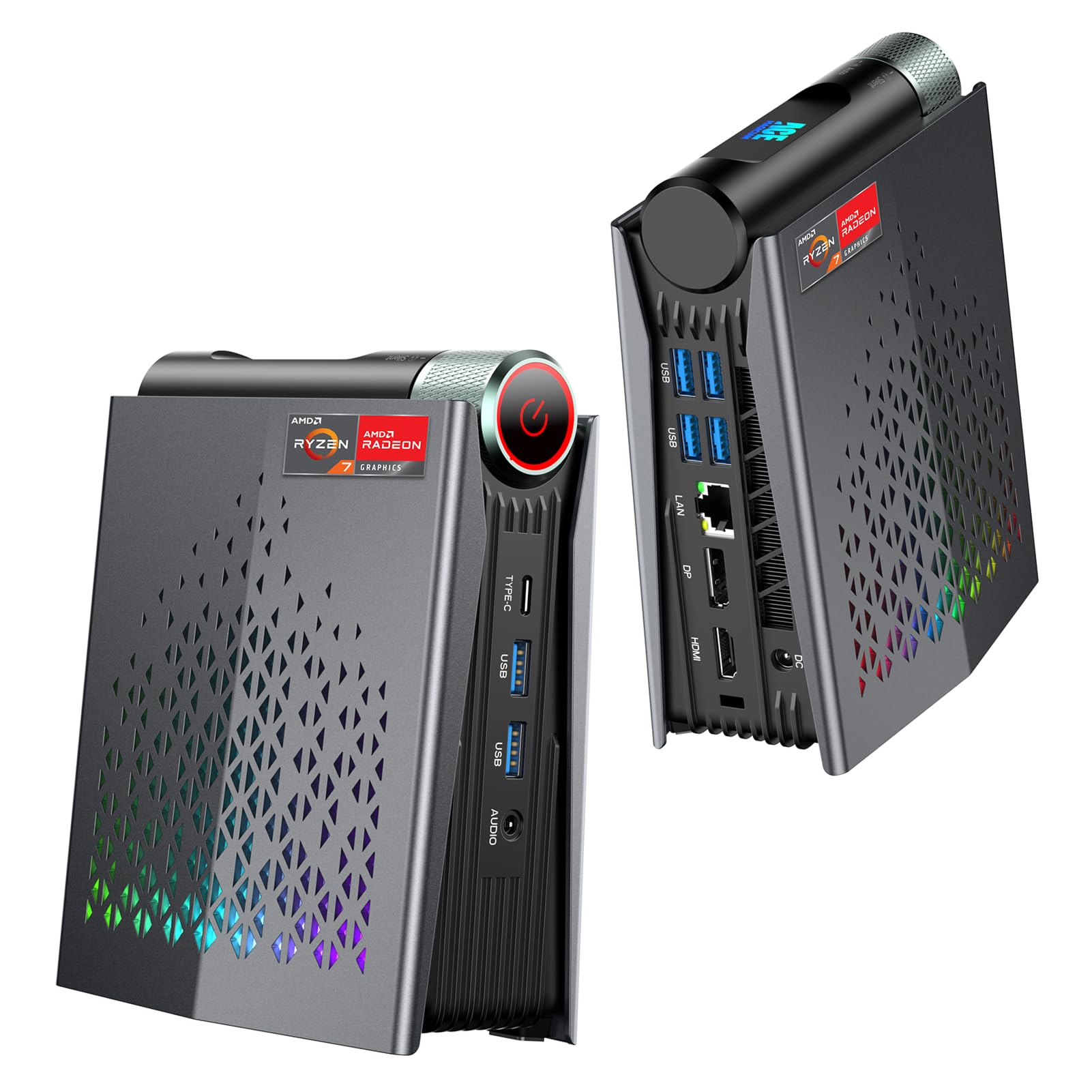 |
AMD Ryzen 7 H 255 (up to 4.9 GHz) | 16 GB LPDDR5 | 512 GB SSD | Radeon 780M |
This Roundup is reader-supported. When you click through links we may earn a referral commission on qualifying purchases.