| Component | Description | Price | |
|---|---|---|---|
| Graphics Card | 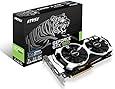 | MSI GTX 960 2GD5T OC edition | Check on Amazon |
| CPU | Intel Core i5-6500 | Check on Amazon | |
| Memory |  | Corsair Vengeance LPX 8GB | Check on Amazon |
| Motherboard |  | Gigabyte GA-H110M-A | Check on Amazon |
| Storage |  | 1TB Western Digital Blue | Check on Amazon |
| Case | VIVO Gaming PC CASE-V06 | Check on Amazon | |
| Power Supply |  | EVGA 500 W1 | Check on Amazon |
| Buy this system on Amazon » |
Obviously one of the most important parts in terms of performance for a gaming system is the Graphics card. We’ve picked the MSI GTX 960 2GD5T 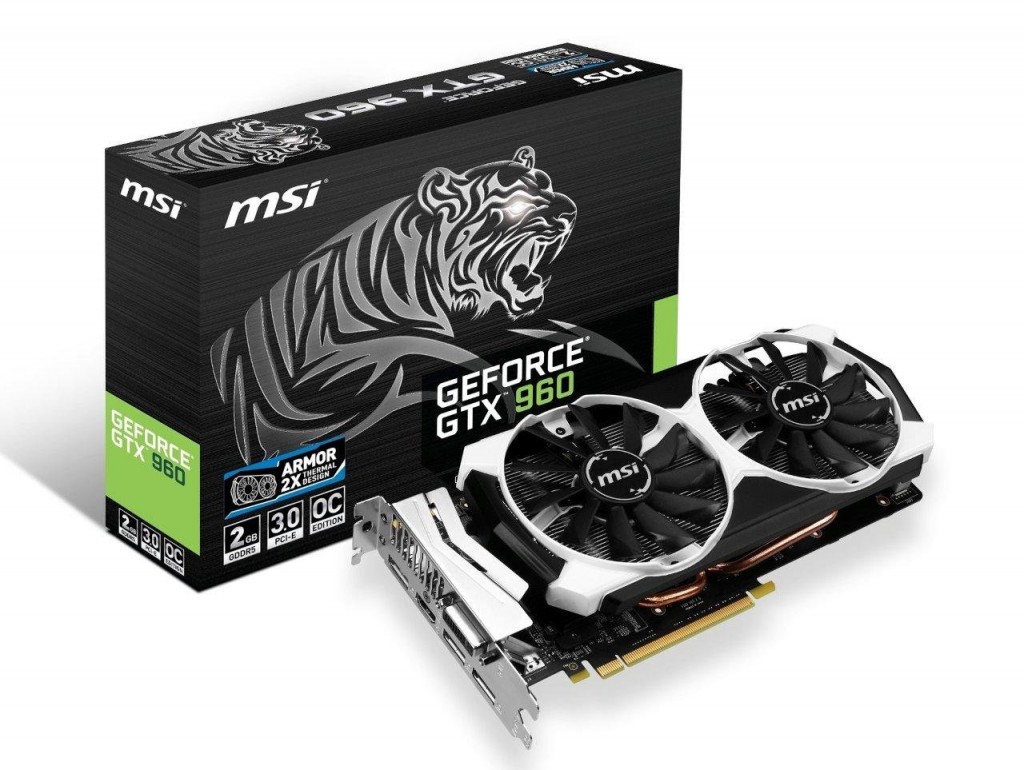 OC edition for this build. MSI have kitted this version out with their own cooling system as well as a slight factory overclock.
One of the CPU’s most important jobs in a gaming machine is to send instructions to the graphics card in a timely fashion! Well, we may have oversimplified that a bit.. but rest-assured that this 3.2GHz, Quad-core Intel i5-6500 CPU has got what it takes. These are a fantastic processor and make a great addition to our gaming build.
This is a quad core CPU based on the latest Skylake architecture with a base speed of 3.2GHz and an Intel Turbo Boost speed of 3.6Ghz. The higher clock speed and 4 cores means this CPU is more than capable of serving the requests of modern games. These i5 processors are widely used by system builders for their performance and value for money.


- Quad Core with a good clock speed of 3.20GHz (3.60GHz boost).
- Excellent performance.
- Widely proven and trusted.
The motherboard we’ve gone with in this build only supports DDR4 RAM, so we’ve gone with the Corsair Vengence 1x8GB stick. The benefit of DDR4 is that you’ll get similar performance to DDR3 RAM but with a slightly lower power consumption, which also means less heat inside your case. DDR4 also offers a higher clock speed for a comparatively lower price.

- CAS latency of 14 (CL14)
- 2400MHz (but the motherboard will clock it down to 2133Hz)
- 8GB single stick
While the latency and speed of memory is not particularly important in a gaming build, it’s still nice to have some quality RAM installed. Installing a single 8GB stick instead of two 4GB sticks means you have room to install more memory later if you ever find you need it.
Again, this Motherboard is another one of our popular choices. The Gigabyte GA-H110M-A board is reliable, has a solid feature set and is excellent value.


This motherboard provides the basic connectivity you’ll need to support all of your components in this build and also has a super easy to use UEFI BIOS. In fact, it has two which means you have a backup BIOS if anything goes wrong with the first.
- LGA1151 socket
- Form factor: Micro ATX (22.6cm x 17.4cm)
- Chipset: Intel H110 Express
- Slots: 1x PCI-Express 3.0 x16 Slot, 2x PCI-Express 2.0 x1 Slots
- SATA: 4x SATA3 6Gb/s Ports
- Memory Support: 2 x DDR4 DIMM; MAX 32GB; Support for DDR4 2133 MHz memory modules
- Onboard graphics: 1 x HDMI port
- Onboard Gigabit network LAN module: Realtek GbE LAN (10/100/1000 Mbit)
With the budget in mind, we’ve gone for a 1TB Western Digital Blue SATA hard disk. These Western Digital Blues have basically become the standard choice for system builders everywhere and with good reason. 

- Outstanding value.
- Great reliability.
- 7,200RPM, 126MB/s.
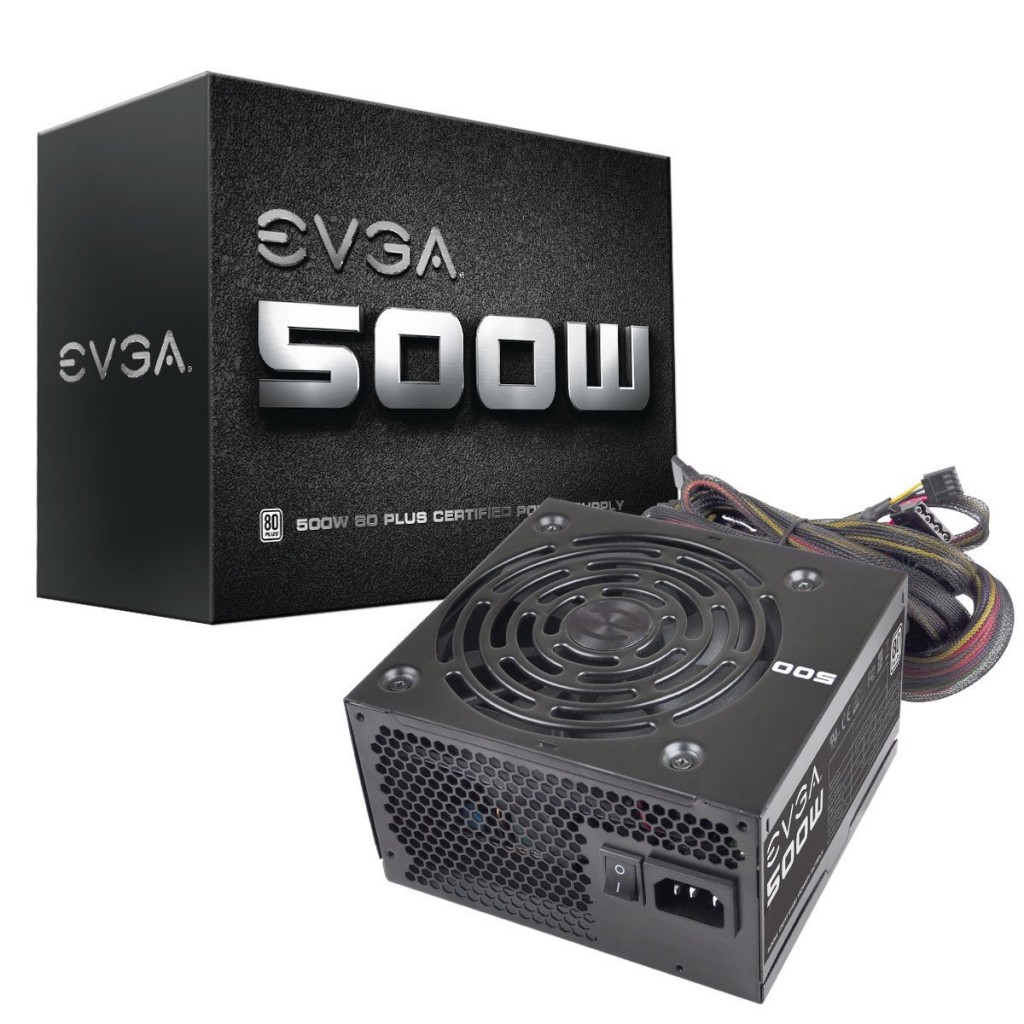 additions and other extras.
- Single 12v+ rail – this offers the most compatibility & reliability for powering demanding components.
- 80+ Bronze certification – 80+ certification insures a quality and efficient power delivery meaning more power, less heat!
- 3 year warranty