
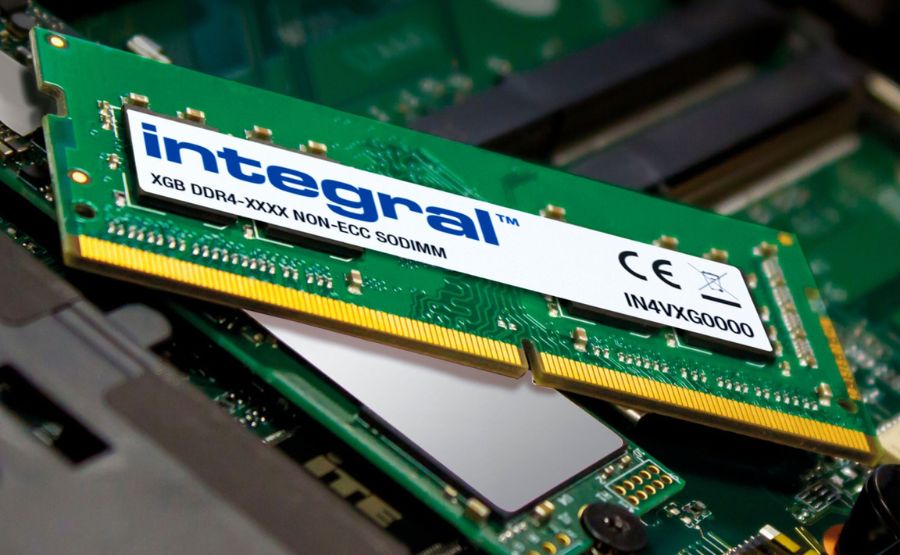
How to Check RAM on PC?
To check how much RAM your PC has, press Windows + R, type msinfo32, and press Enter, you’ll see “Installed RAM” under […]

To check how much RAM your PC has, press Windows + R, type msinfo32, and press Enter, you’ll see “Installed RAM” under […]

Downloading Kindle books to your PC lets you read, back up, and manage your eBook library outside of Amazon’s ecosystem.
Optimizing your gaming PC for low latency gives you faster reactions, smoother gameplay, and a real edge in competitive titles

Riot Games has officially launched Valorant on PlayStation 5 and Xbox Series X|S, bringing the tactical 5v5 shooter to a
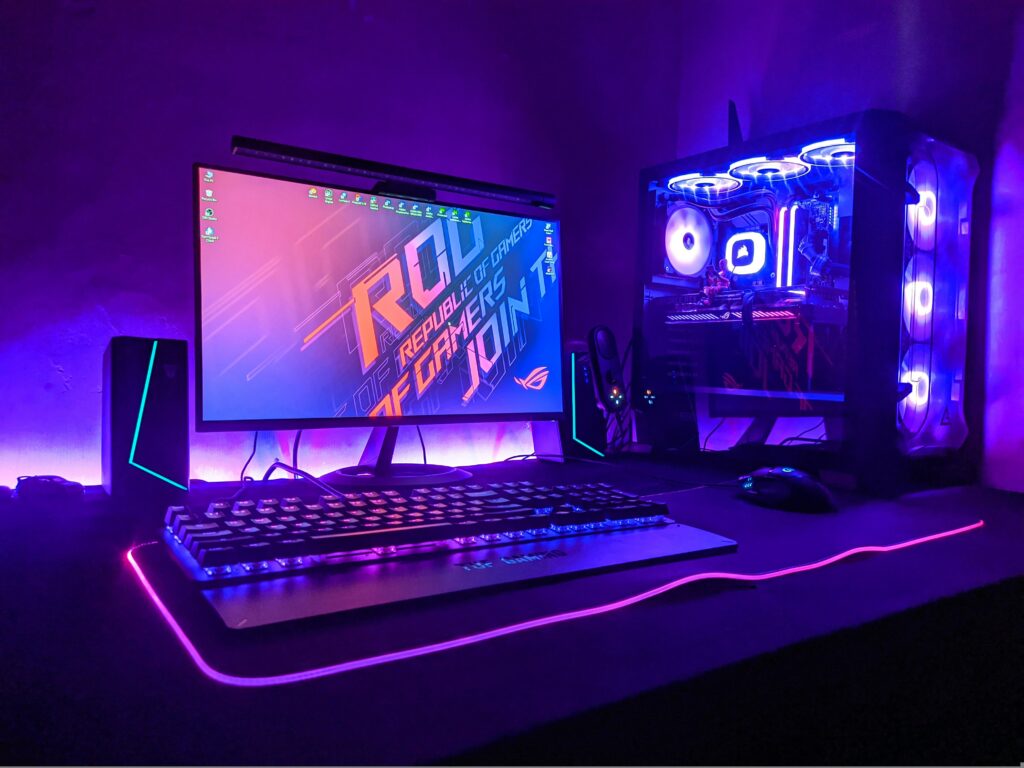
A gaming PC can last anywhere from 3 to over 10 years, depending heavily on its initial component quality, the
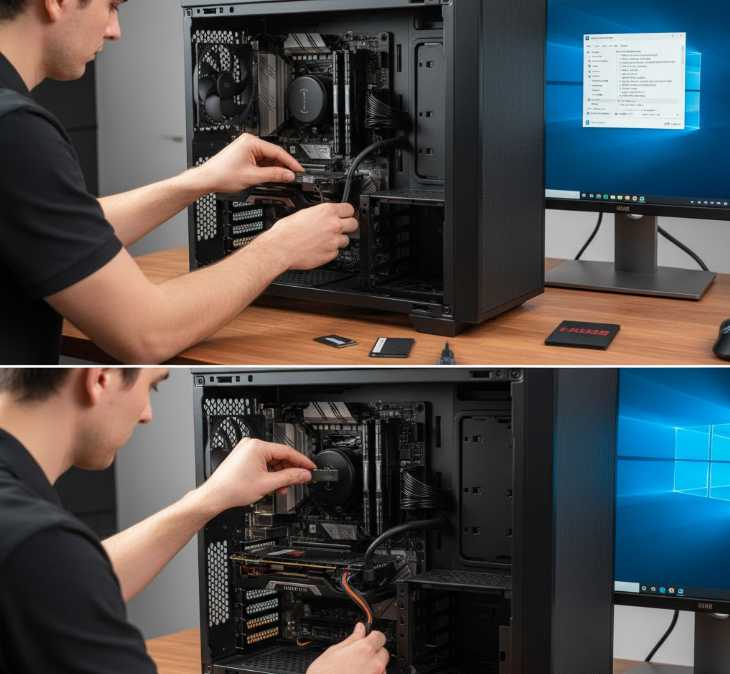
Installing an SSD in your PC is a straightforward process that takes about 15-30 minutes and requires minimal tools—typically just

The Minecraft Summer Drop 2025 update (version 1.21.6) introduced a major quality-of-life change: saddles are now craftable. The simple recipe
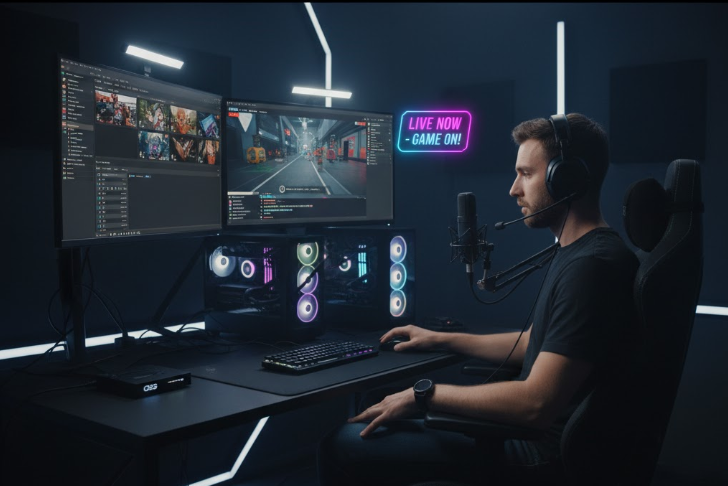
Optimizing your gaming PC for streaming means ensuring smooth gameplay, high-quality broadcasts, and minimal interruptions. The key is to balance
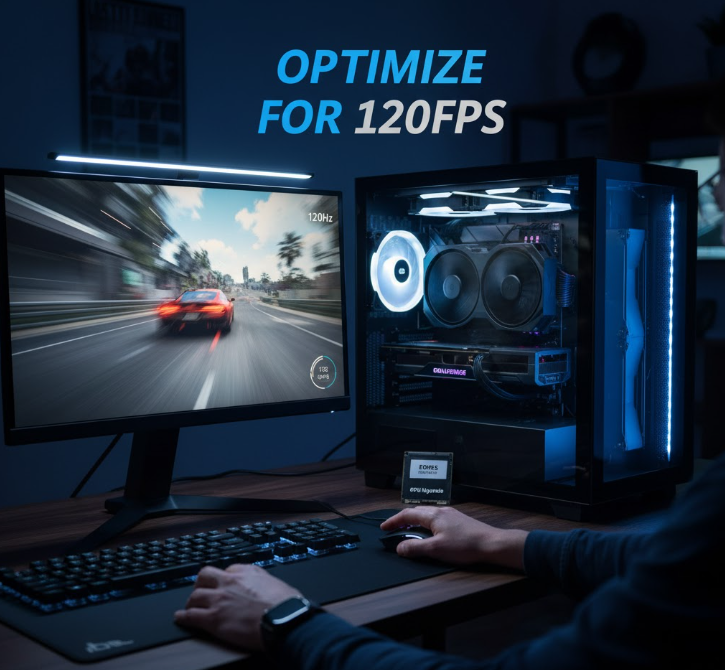
If you want to experience ultra-smooth gameplay, optimizing your gaming PC for 120Hz is essential. The key is to ensure your system consistently
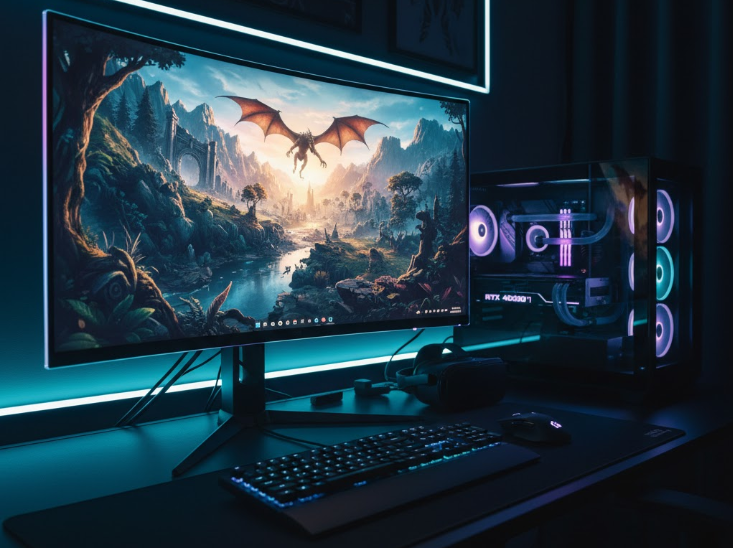
To optimize your gaming PC for 8K gaming, you need top-tier hardware including an RTX 4090 or RX 7900 XTX graphics card,
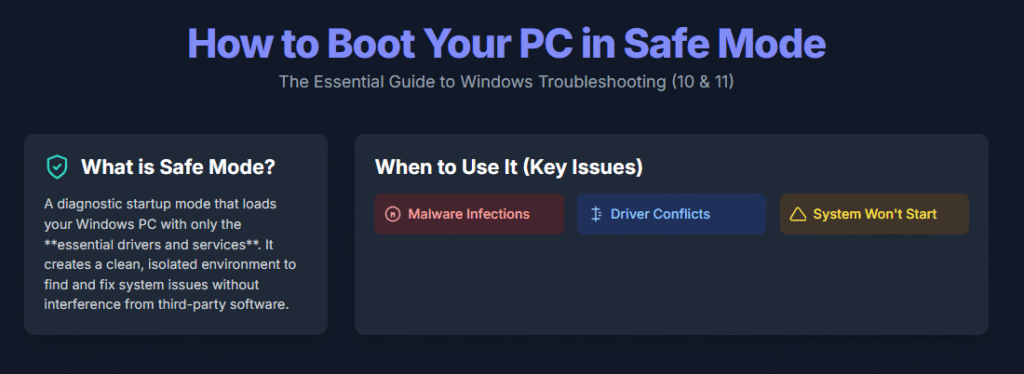
Safe Mode is a diagnostic startup mode that loads your Windows PC with only essential drivers and services, making it
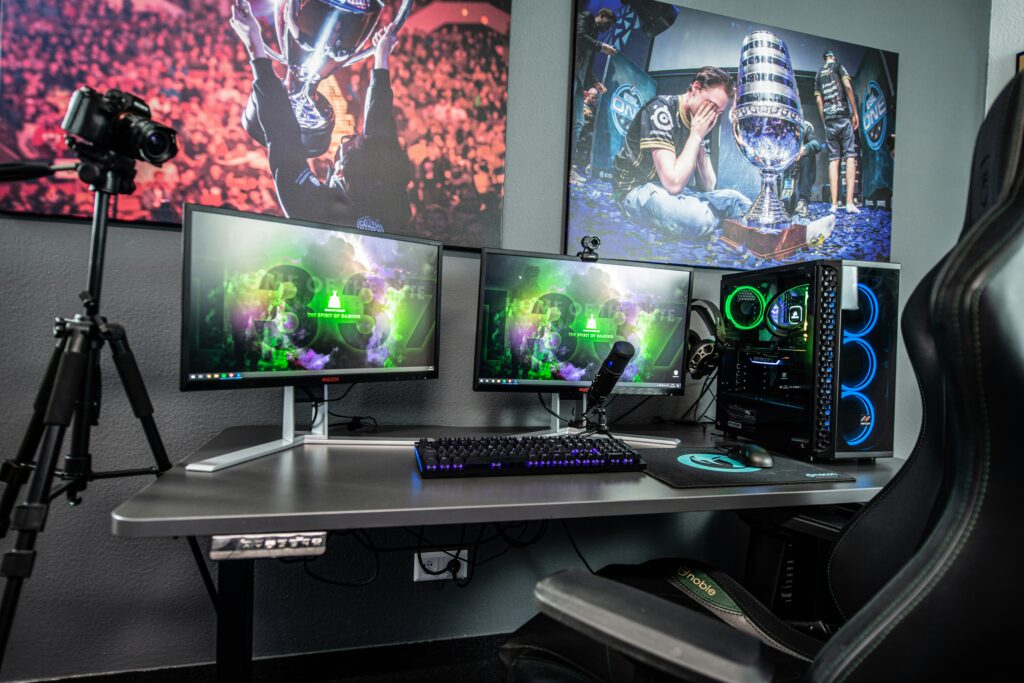
A typical gaming PC uses between 200 and 500 watts of power, translating roughly to 5 to 10 amps in