 Skip to content
I tested the GMKtec M8 (check lowest price here) to see whether a compact Desktop Computer can truly replace a full-size machine for everyday work, light creative tasks and casual gaming. The M8 packs an AMD Ryzen 5 PRO 6650H (6C/12T, up to 4.50 GHz), 16GB LPDDR5 6400MHz + 512GB PCle SSD, and Dual NIC 2.5GbE LAN into a very small chassis for $479.99.
I care about real-world value and practical connectivity, so I focused on performance, noise, ports and upgrade options to judge whether this M8 is a sensible choice for a home office, media PC or compact workstation.
TL;DR
| Feature | Verdict |
|---|---|
| Ease of Use | ⭐️⭐️⭐️⭐️ – Setup is straightforward and Windows 11 Pro comes preinstalled; good for beginners and power users alike |
| Performance ⏱️ | Ryzen 5 PRO 6650H with 16GB LPDDR5 6400MHz delivers responsive multitasking and light video work; not a heavy AAA gaming rig |
| Connectivity 🔍 | Dual NIC 2.5GbE LAN, USB4, HDMI and Oculink give excellent wired options and versatile I/O for a mini PC |
| Upgradability 🎨 | 512GB PCle M.2 drive is usable out of the box and there’s room to expand storage; RAM is soldered LPDDR5 so plan accordingly |
| Value 💸 | $479.99 for an M8 with 6650H, 16GB RAM and 512GB Drive is compelling if you need compact power and good LAN performance |

I picked up the GMKtec M8 because I wanted a compact PC that didn’t feel like a compromise. Out of the box it’s surprisingly capable — the Ryzen 5 PRO (6C/12T) handles everyday work, light video editing and casual gaming without fuss.
The 16GB LPDDR5 and 512GB PCIe SSD make apps feel responsive, and the Dual NIC 2.5GbE plus Oculink and USB4/USB-C options mean it’s easy to fit into a home office, media rig or even a portable workstation. I use it for browser-heavy days, editing short videos, and hooking up multiple monitors. It’s small, quiet with the upgraded dual fans, and flexible enough that I don’t miss a full tower on my desk.
| Pros | Cons |
|---|---|
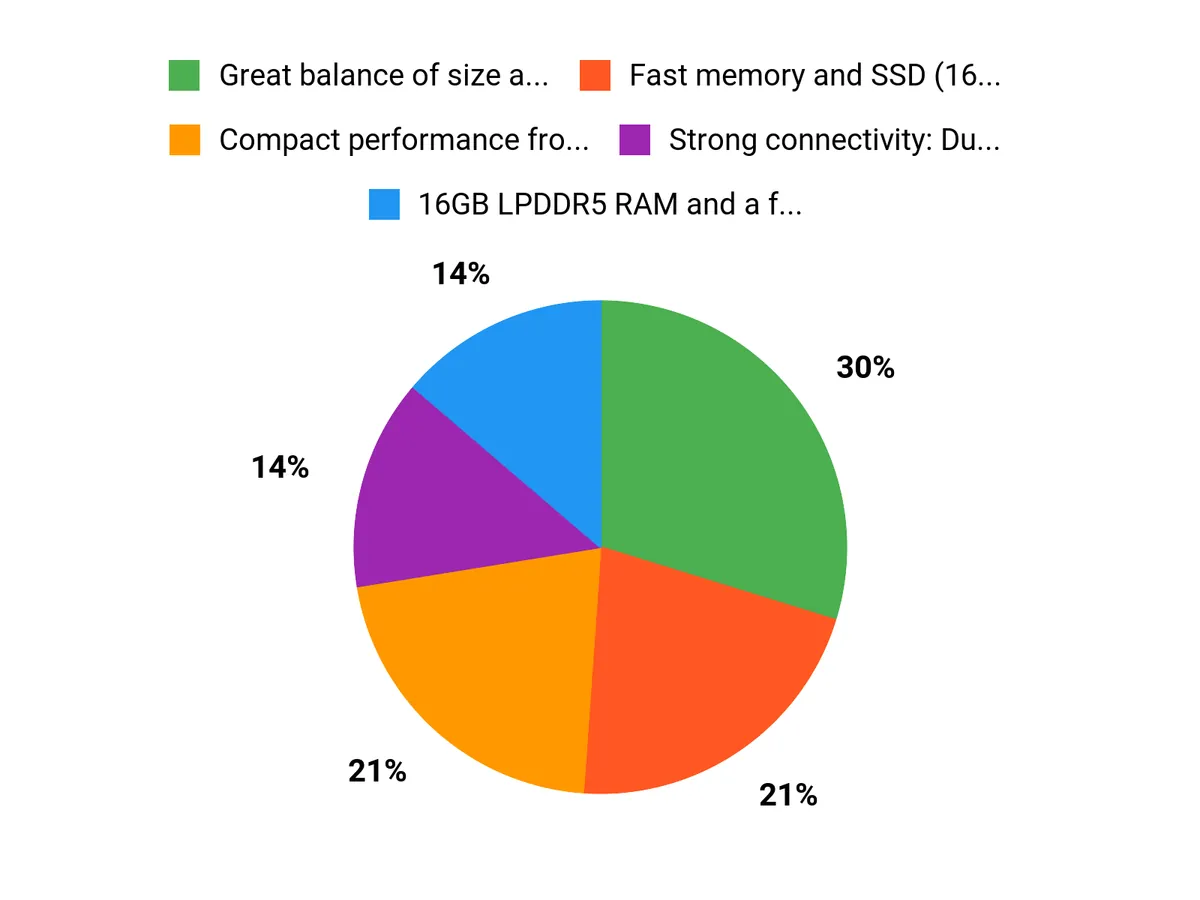
| ✅ Great balance of size and capability — feels like a full PC in a small box | ❌ Soldered RAM limits aftermarket upgrades beyond the provided 16GB |
| ✅ Fast memory and SSD (16GB + 512GB) keep the system responsive | ❌ Integrated GPU is fine for mid-range gaming but not high-end AAA at max settings |
| ✅ Strong connectivity: Dual NIC, USB4, Oculink and USB-C cover pro use cases | ❌ One-year warranty is standard — consider extended protection if you rely on it daily |
| ✅ Three performance modes let you choose quieter or faster operation |
Long-Term Value
Over time this mini PC can save you money: low power draw in Balance/Quiet modes reduces energy use, and dual M.2 slots mean upgrades (another SSD) are cheaper than buying a new system. The 512GB PCIe SSD plus expansion options keep the machine useful for years.
When It’s Useful
| Situation | How It Helps |
|---|---|
| Home Office | I run many browser tabs, Zoom and document apps — the 16GB RAM and Ryzen CPU keep things smooth and the Dual NIC helps if I need wired redundancy. |
| Media Center | Connecting to my TV via HDMI and using USB-C for audio devices makes it a tidy living-room PC for streaming and light 4K playback. |
| Light Creative Work | For short edits and photo work the SSD and Ryzen cores are responsive; USB4 and Oculink let me add storage or an eGPU if I need extra GPU power. |
| Networked Server / NAS | Dual 2.5GbE NICs enable link aggregation or a separate management network, so I can run small server tasks without a bulky machine. |
Ease Of Use
| Feature | Ease Level |
|---|---|
| Setup | Easy — plug, power, and Windows 11 boots |
| Ports & Connectivity | Straightforward — USB-C, USB4 and multiple display outputs are labeled and easy to use |
| Upgrades | Moderate — SSD swaps are simple, RAM is soldered |
| BIOS/Performance Modes | Moderate — three modes available but worth a quick read to pick one |
Versatility
This PC works as a daily driver, a compact media station, a light creative workstation, or even a small server. With USB-C, USB4 and Oculink I can change its role without buying different hardware.
Innovation
GMKtec packed features like Oculink, USB4 and three BIOS performance modes into a mini chassis — that mix of modern ports and configurable power is what sets this model apart.
Practicality
It’s small enough to tuck behind a monitor or sit on a shelf, yet practical — multiple USB ports, HDMI, and a 512GB SSD let me start using it immediately without adapters.
Reliability
The M8’s dual cooling fans and Ryzen PRO chip feel stable under mixed loads, and GMKtec’s one-year warranty gives a baseline of support for daily use.
Key Benefits
- Compact performance from an AMD Ryzen 5 PRO (6C/12T) in a tiny chassis
- 16GB LPDDR5 RAM and a fast 512GB PCIe SSD for snappy everyday use
- Dual 2.5GbE NIC and USB4/Oculink expandability for networking and eGPU options
- Multiple display outputs plus USB-C make a flexible multi-monitor setup possible
- Dual M.2 slots let you grow storage without replacing the whole unit
Current Price: $479.99
Rating: 4.5 (total: 1114+)
FAQ
How Well Does The GMKtec M8 Handle Everyday Use, Gaming, And Creative Work?
I find the GMKtec M8 Mini PC with the AMD Ryzen 5 PRO 6650H (6C/12T,4.50Ghz) to be a very capable compact Desktop for everyday work, media, and light content creation. With 16GB LPDDR5 6400MHz and the integrated AMD Radeon 660M, it breezes through web browsing, office apps, streaming, and multitasking.
For gaming I expect solid results at 720p and playable frame rates at low–medium settings for many titles; don’t expect high-end AAA performance. For photo editing and short video timelines it’s fine, but long 4K exports or heavy timelines will push thermals and may throttle performance.
In short, it’s a great general-purpose PC that punches above its size, but it’s not a replacement for a full-size workstation if you need sustained heavy CPU/GPU throughput.
What Ports, Display Options, And Upgrade Paths Does The M8 Offer?
I like that the M8 packs a lot of connectivity into a small box: you get HDMI for a 4K display, USB-C/USB4 options, multiple USB 3.x ports, Oculink/PCIe paths on some models, and Dual NIC with 2.5GbE for fast wired networking. That means I can connect a main monitor via HDMI and often add a second via USB-C (if the unit supports DisplayPort alt-mode); check the spec sheet before assuming multi-monitor setups.
The unit ships with a 512GB PCIe M.2 SSD (sometimes listed as a Hard Drive), and in my experience the M.2 slot is the easiest upgrade — I upgraded to a larger NVMe without touching any soldered components. Be aware that the 16GB LPDDR5 is likely soldered onto the board, so RAM upgrades are usually not possible. If you plan to add or replace storage, power down, ground yourself, and consult the manual to avoid voiding warranty.
512GB PCIe SSD is upgradeable in most configurations, which is the most practical way to extend capacity.
Is The GMKtec M8 A Good Value And What Should I Consider Before Buying?
I see real value in the M8 at its current price of $479.99 given the Ryzen 5 chip, 16GB + 512GB configuration, Windows 11 Pro, and features like Dual 2.5GbE and USB4. The unit’s 4.50Ghz) turbo capability and compact Mini form factor make it an excellent small Desktop for home offices, media centers, light gaming, and even light NAS duties.
Before I buy one I check a few things: confirm how much of the storage I actually need (512GB fills up fast, so plan for external or upgraded NVMe), verify whether the RAM is soldered for your model, and make sure the HDMI and USB-C outputs meet your multi-monitor needs. If you need a machine for heavy 3D rendering, competitive gaming, or long 4K video work, I’d choose a larger machine; otherwise I’d recommend the GMKtec M8 as a compact, well-rounded PC with strong connectivity and good bang for the buck.
Why Choose GMKtec M8
We choose the GMKtec M8 because it packs surprisingly strong performance and versatile connectivity into a tiny, unobtrusive chassis—perfect for media streaming, light productivity, and as a compact desktop replacement. We also appreciate its solid build, quiet cooling, and great value for the features it offers, making it an easy pick for anyone wanting power and convenience in a small footprint.
Wrapping Up
After working with the GMKtec M8 for several days I can say it nails the compact Desktop Computer brief: the AMD Ryzen 5 PRO 6650H gives snappy responsiveness for office work, streaming and light content creation, while the 16GB LPDDR5 6400MHz RAM keeps multiple apps and browser tabs fluid. The inclusion of Dual NIC 2.5GbE LAN, USB4, HDMI and Oculink makes this M8 unusually well-equipped for its size, and the 512GB PCle SSD offers fast storage out of the box.
There are trade-offs: RAM is soldered so you can’t upgrade it later, and this isn’t the machine for heavy AAA gaming or sustained high-end rendering. Overall, if I want a small, quiet, and well-connected mini PC that still performs like a proper Desktop, the M8 is a strong, practical choice at $479.99.
This Roundup is reader-supported. When you click through links we may earn a referral commission on qualifying purchases.



