Skip to content
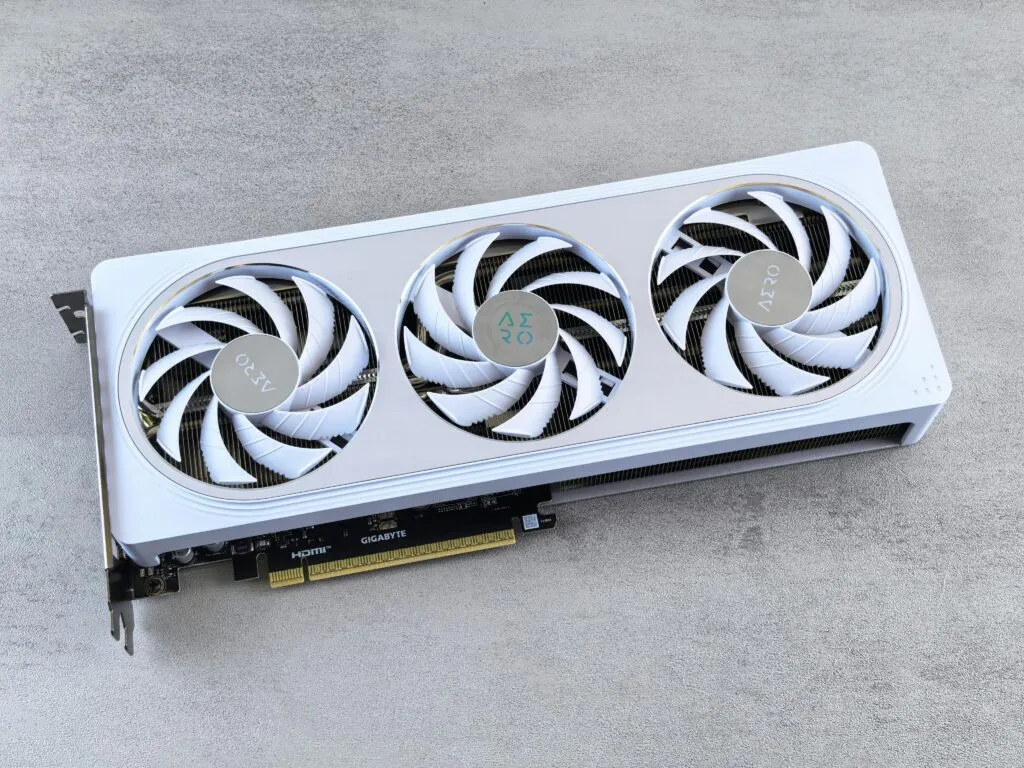
If you’re looking for a GPU with 24 GB of VRAM, your best options today range from high‑end gaming cards like the RTX 4090 and RX 7900 XTX to professional workstation cards like the RTX A5000 and RTX 4500 Ada. But before you pull the trigger, I think it’s worth understanding which type of 24 GB card is actually right for your workload, because not all 24 GB GPUs are built the same way.
In this guide, I’ve put together a list of 10 GPUs with 24 GB of VRAM that are widely available online (including on Amazon), complete with specs, ideal use cases, and a practical breakdown of when this much VRAM actually makes sense.
Why 24 GB of VRAM Matters in 2026
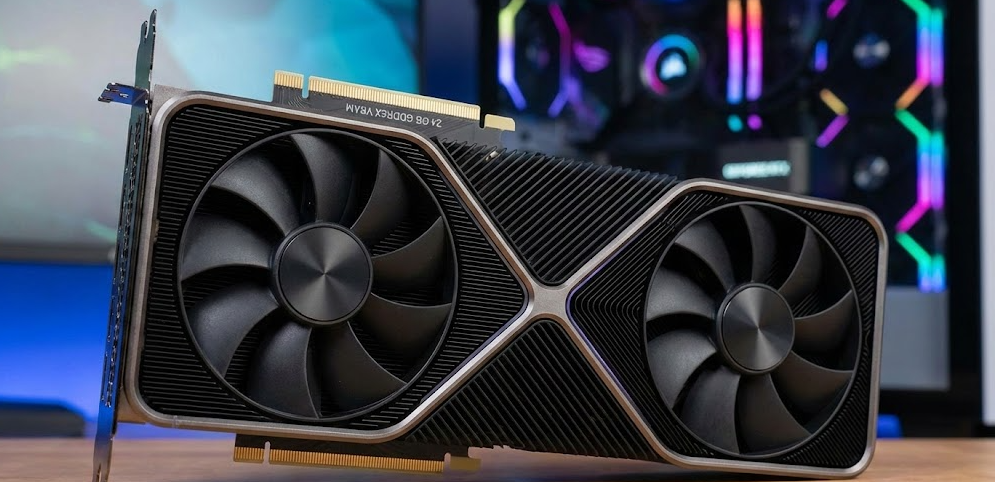
24 GB of VRAM gives you the headroom to handle 4K gaming with ultra textures, complex 3D renders, large AI/ML models, and professional creative workflows without constantly hitting memory walls.
In practical terms, here’s where 24 GB VRAM makes a real difference:
- 4K and 8K gaming with ultra texture packs and ray tracing fully enabled.
- Professional 3D rendering in apps like Blender, Octane, Redshift, or Arnold, where complex scenes can consume 15–20 GB on their own.
- AI and machine learning, where larger models and higher batch sizes scale directly with available VRAM.
- Video production at high resolutions with heavy effects, color grading, and AI‑assisted tools.
Based on my experience reviewing GPUs over the years, 24 GB is the point at which most power users stop worrying about VRAM limits for the foreseeable future. You may not use all of it on day one, but you’ll appreciate it as your projects grow.
Quick Overview: 10 GPUs With 24 GB VRAM
Here’s a snapshot of the 10 cards covered in this article:
| # | GPU Model | VRAM Type | Best For |
|---|---|---|---|
| 1 | NVIDIA GeForce RTX 4090 | 24 GB GDDR6X | Fastest 24 GB card for gaming and AI |
| 2 | ASUS ROG Strix RTX 4090 OC | 24 GB GDDR6X | Enthusiast gaming and content creation |
| 3 | ASUS TUF Gaming RTX 4090 | 24 GB GDDR6X | Durable, cool, heavy workloads |
| 4 | Gigabyte RTX 4090 Gaming OC | 24 GB GDDR6X | Overclocked gaming performance |
| 5 | NVIDIA GeForce RTX 3090 | 24 GB GDDR6X | Two-generations-old 4K / value option |
| 6 | NVIDIA GeForce RTX 3090 Ti | 24 GB GDDR6X | Legacy Ampere-era gaming flagship |
| 7 | AMD Radeon RX 7900 XTX | 24 GB GDDR6 | High-end 4K AMD gaming |
| 8 | Sapphire NITRO+ RX 7900 XTX | 24 GB GDDR6 | Premium AMD, excellent cooling |
| 9 | NVIDIA RTX A5000 | 24 GB GDDR6 | Workstation: CAD, DCC, AI |
| 10 | NVIDIA RTX 4500 Ada | 24 GB GDDR6 | New-gen pro workstation |
Gaming‑Focused 24 GB GPUs
If your priority is 4K gaming with some content creation on the side, these are the cards you should be looking at.
1. NVIDIA GeForce RTX 4090 (24 GB GDDR6X)
The RTX 4090 is NVIDIA’s powerhouse Ada Lovelace gaming GPU, packing 16,384 CUDA cores, 128 RT Cores, 512 Tensor Cores, and 24 GB of GDDR6X VRAM on a 384‑bit bus with roughly 1,008 GB/s of memory bandwidth. While the newer RTX 5090 has since pushed the performance ceiling higher (and moved to 32 GB VRAM), the RTX 4090 remains the absolute fastest 24 GB consumer GPU money can buy in 2026. As Tom’s Hardware’s in‑depth RTX 4090 Gaming OC review confirms, this card continues to dominate at 4K, especially in ray‑traced titles and creative workloads.
The 450W TDP means you’ll need at minimum an 850W PSU, and ideally 1000W for headroom. In my opinion, it remains an incredibly future‑proof investment for 4K gaming and heavy creative workloads specifically within the 24 GB tier.
2. ASUS ROG Strix GeForce RTX 4090 OC (24 GB GDDR6X)
The ASUS ROG Strix RTX 4090 OC is one of the most popular AIB variants, offering a factory overclock, a triple‑fan cooling solution, and robust build quality with a metal‑reinforced PCIe slot. It ships with 24 GB GDDR6X and a slight boost to the GPU clock out of the box, making it ideal for enthusiasts who want the best possible performance without manual tuning.
Key specs match the reference 4090, but the larger cooler delivers better sustained thermal performance during long gaming sessions or render workloads.
3. ASUS TUF Gaming GeForce RTX 4090 (24 GB GDDR6X)
The TUF Gaming RTX 4090 is ASUS’s more durability‑focused variant, built around military‑grade components and a slightly more understated aesthetic. It runs the same 24 GB GDDR6X configuration as other 4090s and is a solid choice if you want excellent thermals, a quieter fan profile, and a card that’s built to last under sustained workloads.
4. Gigabyte GeForce RTX 4090 Gaming OC (24 GB GDDR6X)
Gigabyte’s Gaming OC model is another strong 24 GB option in the RTX 4090 lineup. It features the WINDFORCE cooling system with three large fans and multiple heat pipes, which keeps thermals in check even during heavy sustained loads. It’s a well‑rounded card for both gaming and creative work, and frequently appears at competitive price points on Amazon.
5. NVIDIA GeForce RTX 3090 (24 GB GDDR6X)
The RTX 3090 was NVIDIA’s flagship workload monster two generations ago. While it’s no longer the fastest on the block, it remains one of the most affordable ways to land a 24 GB VRAM card in 2026. With 10,496 CUDA cores and 24 GB of GDDR6X on a 384‑bit bus (936 GB/s bandwidth), it still handles 4K gaming and content creation very well for budget‑conscious creators.
Common models include the ASUS ROG Strix RTX 3090 24 GB and the Gigabyte RTX 3090 Gaming OC 24G, both widely listed on Amazon new or refurbished.
6. NVIDIA GeForce RTX 3090 Ti (24 GB GDDR6X)
The RTX 3090 Ti pushed the Ampere architecture to its absolute limit, with 10,752 CUDA cores and slightly faster GDDR6X memory compared to the standard 3090. It’s the legacy Ampere‑era gaming flagship, and on the used or discounted market it can represent strong value if you want 24 GB VRAM without paying for a current‑generation card.
AMD 24 GB GPUs
7. AMD Radeon RX 7900 XTX (24 GB GDDR6)
The RX 7900 XTX is AMD’s top consumer GPU with 24 GB of GDDR6 VRAM on a 384‑bit memory bus delivering 960 GB/s of bandwidth. It uses RDNA 3 architecture with 96 Compute Units, 6,144 Stream Processors, and 96 MB of AMD Infinity Cache, with a boost clock of up to 2,500 MHz.
For pure 4K raster gaming, PCMag’s in‑depth Radeon RX 7900 XTX review highlights it as a strong value alternative for gamers who don’t rely heavily on NVIDIA‑exclusive features like DLSS Frame Generation. It also includes DisplayPort 2.1, making it ideal for high‑refresh 4K or 8K monitor setups.
8. Sapphire NITRO+ AMD Radeon RX 7900 XTX Vapor‑X (24 GB GDDR6)
The Sapphire NITRO+ is widely regarded as one of the best AIB variants of the RX 7900 XTX. It features the Vapor‑X cooling system with a large vapor chamber and triple fans, keeping temps low and noise levels remarkably quiet under load. This is the card I’d recommend if you’re going Team Red and want the best thermal headroom for sustained creative workloads or extended gaming sessions.
Workstation‑Focused 24 GB GPUs
If your work depends on certified professional drivers or you’re running CAD, simulation, or serious AI training, these are the 24 GB cards designed specifically for you.
9. NVIDIA RTX A5000 (24 GB GDDR6)
The RTX A5000 is a professional workstation GPU built on NVIDIA’s Ampere architecture. It offers 8,192 CUDA Cores, 256 Tensor Cores, 64 RT Cores, and 24 GB of GDDR6 with ECC (Error Correction Code) on a 384‑bit bus delivering up to 768 GB/s of bandwidth, with a workstation‑friendly TDP of just 230W.
NVIDIA’s own RTX A5000 product page details its full ISV certifications for apps like SOLIDWORKS, Siemens NX, and Autodesk Maya. In my opinion, if your income depends on these tools, the A5000 is a much safer long‑term investment than a gaming‑class GeForce card.
10. NVIDIA RTX 4500 Ada (24 GB GDDR6)
The RTX 4500 Ada is NVIDIA’s newer workstation card based on Ada Lovelace, combining 7,680 CUDA Cores, 240 fourth‑gen Tensor Cores, and 60 third‑gen RT Cores with 24 GB of GDDR6 VRAM. It targets professional environments where you need real‑time ray‑traced visualization, AI‑accelerated design tools, and long‑term certified driver support.
Compared to the A5000, the 4500 Ada brings meaningfully better ray tracing, improved AI inference throughput, and more modern codec support for video workflows, making it the stronger choice for new workstation builds today.
Gaming vs. Workstation: Which 24 GB GPU Is Right For You?
Not all 24 GB cards serve the same purpose, and picking the wrong type can mean spending more money for features you’ll never actually use.
| Factor | Gaming GPU (4090 / 3090 / 7900 XTX) | Workstation GPU (A5000 / 4500 Ada) |
|---|---|---|
| 4K Gaming FPS | Excellent | Below gaming cards |
| Certified App Drivers | No | Yes (SOLIDWORKS, Maya, etc.) |
| ECC Memory Support | No | Yes |
| DLSS Frame Generation | Yes (NVIDIA cards only) | No |
| Power Draw | 300–450W | 210–230W |
| Price vs. Performance (gaming) | Better | Worse |
| Long-Term Driver Support | Consumer cycle | Professional/enterprise cycle |
In my opinion, the decision really comes down to this: if you’re gaming and creating, go GeForce or Radeon. If you’re working in certified professional applications and your livelihood depends on driver stability, go workstation.
Buying Checklist for a 24 GB GPU
Before buying, run through these quick checks:
- PSU wattage — RTX 4090‑class cards need 850–1000W minimum; workstation cards are much easier on PSUs at ~230W.
- Case clearance — Triple‑fan 4090s can exceed 340mm in length and take up 3+ slots; measure your case first.
- Monitor resolution — 24 GB truly shines at 4K and above; at 1080p, you’re mostly buying peace of mind or future‑proofing.
- Software requirements — Check if your key apps benefit from or require professional‑grade certified drivers.
- Seller credibility — High‑ticket GPUs are a target for fakes and gray‑market listings; stick to Amazon Sold & Fulfilled or verified brand stores.
- Cooling and airflow — These cards generate serious heat; make sure your case has strong intake and exhaust airflow.
Helpful YouTube Video: Seeing 24 GB VRAM in Action
If you want to see how these 24 GB cards actually perform in real‑world scenarios before buying, benchmark content is a must.
A great starting point is This comprehensive AMD Radeon RX 7900 XTX full review by Hardware Unboxed, which tests the card across 26 games at 1080p, 1440p, and 4K. It’s one of the most thorough real‑world GPU reviews available and clearly shows where 24 GB VRAM helps versus where raw GPU horsepower is the real deciding factor.
When 24 GB VRAM Is (And Isn’t) Worth It
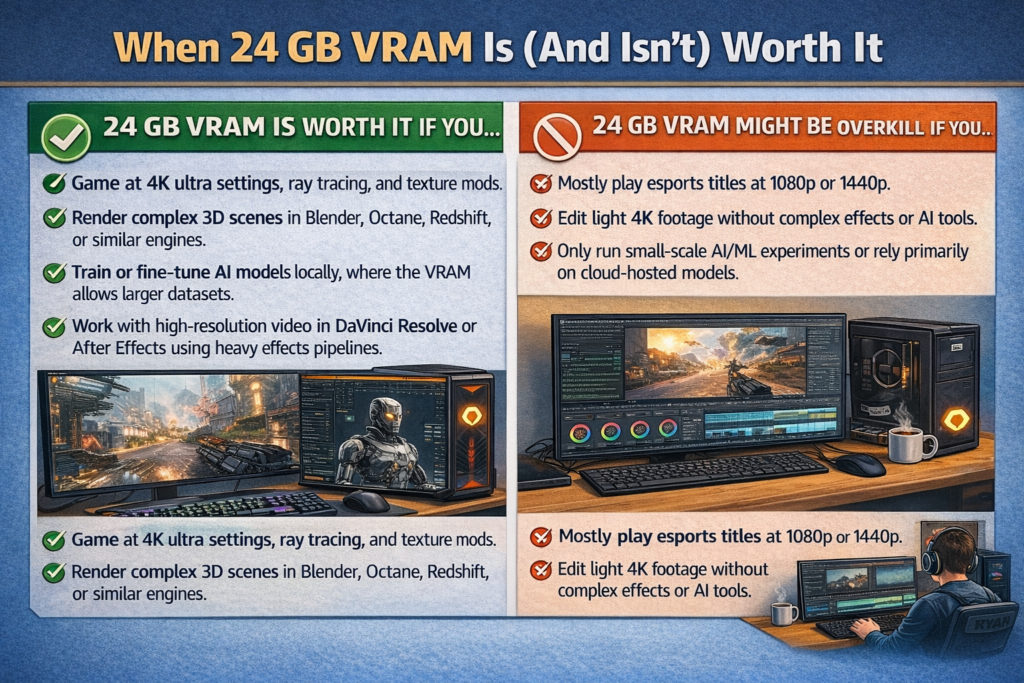
24 GB is worth it if you:
- Game at 4K with ultra settings, ray tracing, and texture mods.
- Render complex 3D scenes in Blender, Octane, Redshift, or similar engines.
- Train or fine‑tune AI models locally, where larger parameter counts scale directly with available VRAM.
- Work with high‑resolution video in DaVinci Resolve or After Effects using heavy effects pipelines.
24 GB might be overkill if you:
- Mostly play esports titles at 1080p or 1440p.
- Edit light 4K footage without complex effects or AI tools.
- Only run small‑scale AI/ML experiments or rely primarily on cloud‑hosted models.
FAQs: GPUs With 24 GB VRAM
Is 24 GB of VRAM enough for 4K gaming in 2026?
Yes, 24 GB of VRAM is more than enough for 4K gaming in 2026 and gives you significant headroom for ultra textures, ray tracing, and upcoming titles. In nearly all current games, GPU core performance will hit its ceiling before 24 GB of VRAM becomes the limiting factor.
Which is better for 24 GB gaming: RTX 4090 or RX 7900 XTX?
For ray‑traced gaming and NVIDIA‑exclusive features like DLSS Frame Generation, the RTX 4090 is the stronger card. For raster‑focused 4K gaming with DisplayPort 2.1 support and better value per dollar, the RX 7900 XTX is a very compelling alternative.
Do I need 24 GB VRAM for video editing?
Not always. For standard 4K editing without heavy AI tools or complex effects, 12–16 GB is usually sufficient. However, if you use DaVinci Resolve with heavy Fusion effects, AI color tools, or 8K timelines, 24 GB gives you noticeably smoother and more stable performance.
Can I game on a workstation GPU like the RTX A5000?
Technically yes, but workstation GPUs like the RTX A5000 are optimized for professional application stability, not game FPS. They generally perform well below gaming cards of a similar price in games, so gaming shouldn’t be your primary reason to buy one.
Is the RTX 3090 still worth buying for 24 GB VRAM in 2026?
The RTX 3090 is two generations old now, but it’s still capable at 4K and can be a smart buy if you find a well‑priced used or refurbished unit. For new purchases, the performance gap with the RTX 4090 is significant enough that the newer card is worth the investment if budget allows.
What PSU do I need for a 24 GB RTX 4090?
NVIDIA recommends at least an 850W PSU for the RTX 4090, but most experienced builders recommend a 1000W unit for comfortable headroom, especially when paired with a high‑core‑count CPU.